

Rooms and saving your layout
The rooms
Section titled “The rooms”RetroXR gives you somewhere to put all this. Switch rooms from the SCENE tab.
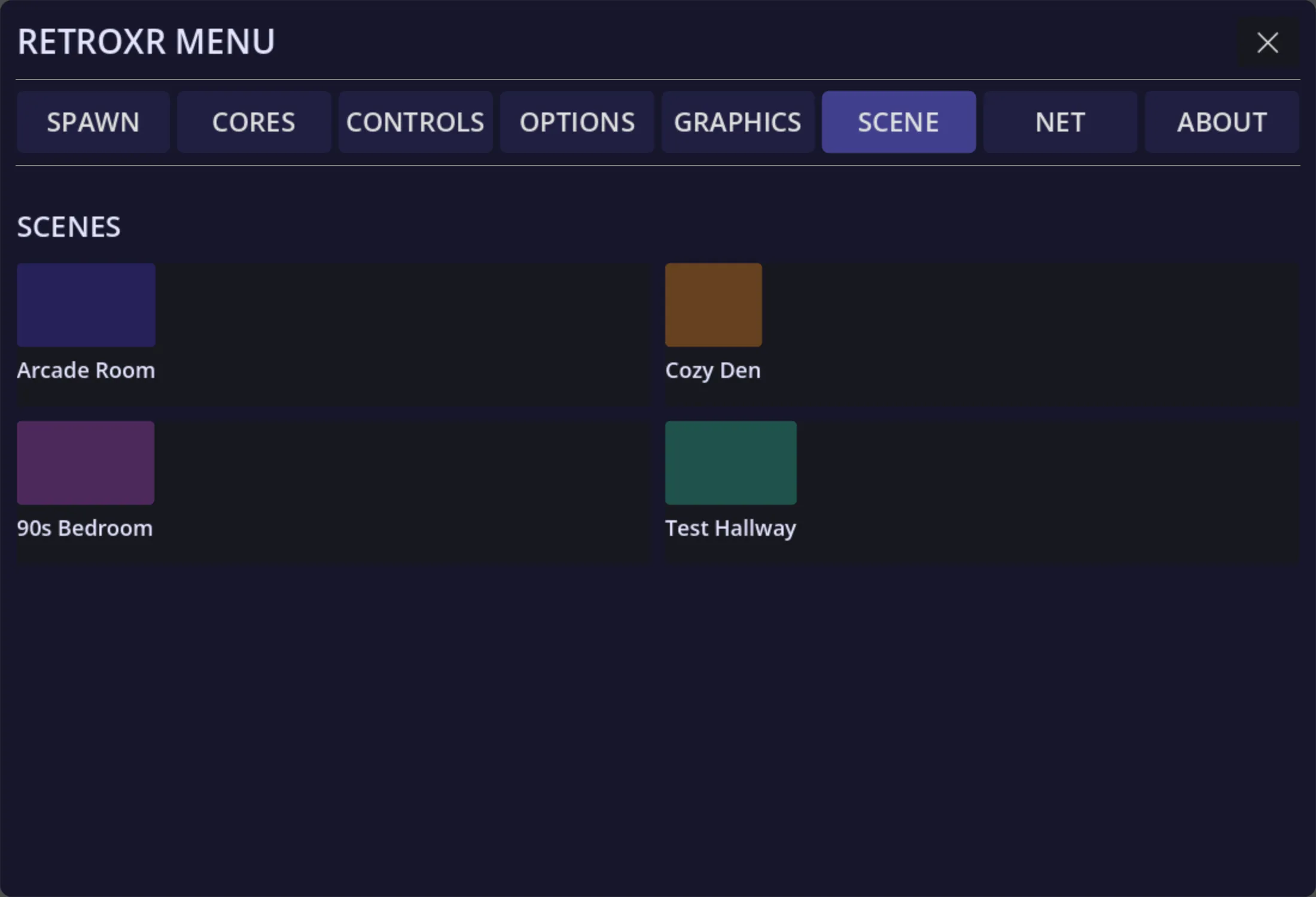
- Arcade room — the default space. Since v0.5.0 it no longer comes with a table; spawn
one from
SPAWN→Objectsand put it where you want it. - Cozy den — a lounge, with a corner TV stand and somewhere to sit.
- Bedroom — a bedroom with a desk, a bed, bookcases and a wardrobe.
- Test hallway — a long hall of pre-cabled stations, one per generation. Useful for trying a lot of systems quickly without wiring each one.
- Passthrough — your actual room, in AR, with the hardware placed into it.
Rooms have working props: light switches, a pull-cord lamp, a ceiling fan, blinds, string lights, and a bin for things you are finished with.
Saving a layout
Section titled “Saving a layout”Wiring a console to a TV, plugging in a controller and setting it all out takes a few minutes, and you should only have to do it once.
The SCENE tab saves the whole arrangement — every object, where it is, and what is
plugged into what — into a slot, and restores it later.
Save slots are per room, so a layout saved in the den does not appear in the bedroom’s list.
A restored layout also brings back which input each TV was showing, so a set you left on the console’s input comes back on it rather than on a blank channel.
Posters
Section titled “Posters”Anything you drop into your posters/ folder becomes a poster you can stick to things
— walls, the side of a console, the front of the TV stand. Pick one up, hold it against a
surface and let go, and it stays; peel it off to move it. Posters are saved with the room.
New in v0.4.0, and deliberately basic — see adding your games for where the folder lives.
Autosave
Section titled “Autosave”Layouts can be kept automatically, so quitting and coming back puts you where you left off rather than in an empty room.