

Plugging things in
Nothing in RetroXR is wired for you. A console reaches a television because you ran a cable between them, and if you run it to the wrong socket you get the wrong result — not an error message.
Seating a plug
Section titled “Seating a plug”Grab the plug — not the cable — with grip, bring it to a socket, and it snaps in when it is close enough and roughly lined up.
A few things that trip people up:
- Plugs fall. Let go of one in mid-air and it drops, swinging on its cable. If it lands near a panel of sockets it can seat itself in one of them — which is how a picture lead ends up in the wrong input without you touching it.
- Sockets are close together. A TV’s input panel has several video sockets within a couple of centimeters of each other. Aim deliberately.
- Pull a plug out by grabbing it and moving it away from the socket.
The cables are simulated, not decorative — they hang, swing, and take up slack. Give yourself room.
The connectors
Section titled “The connectors”Each kind of lead ends in a connector that only fits its own socket. Plug on the left, the socket it goes into on the right.
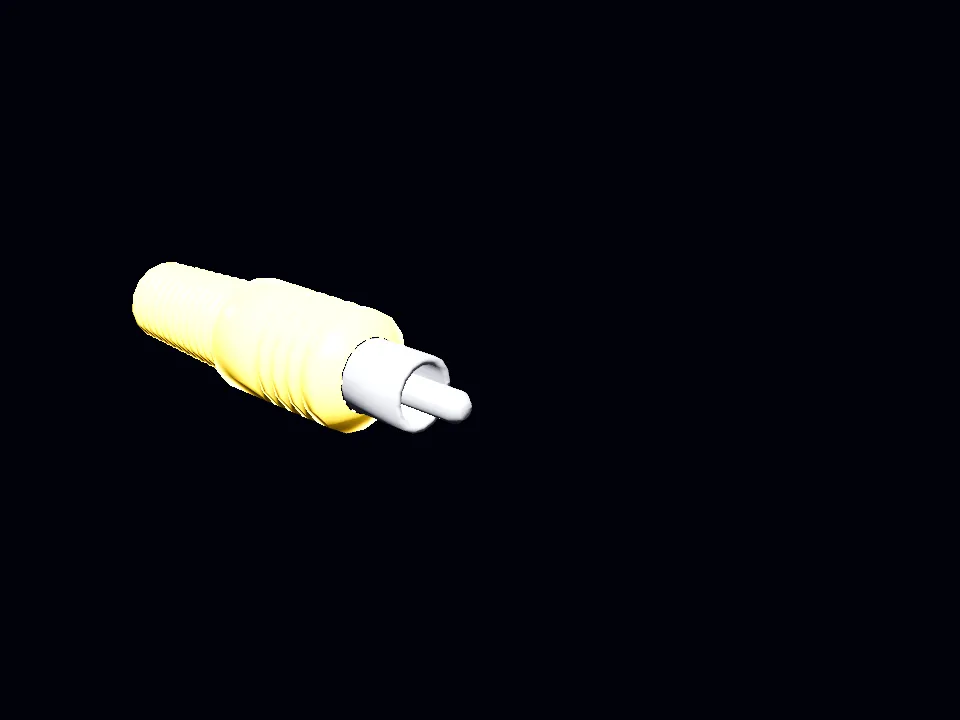
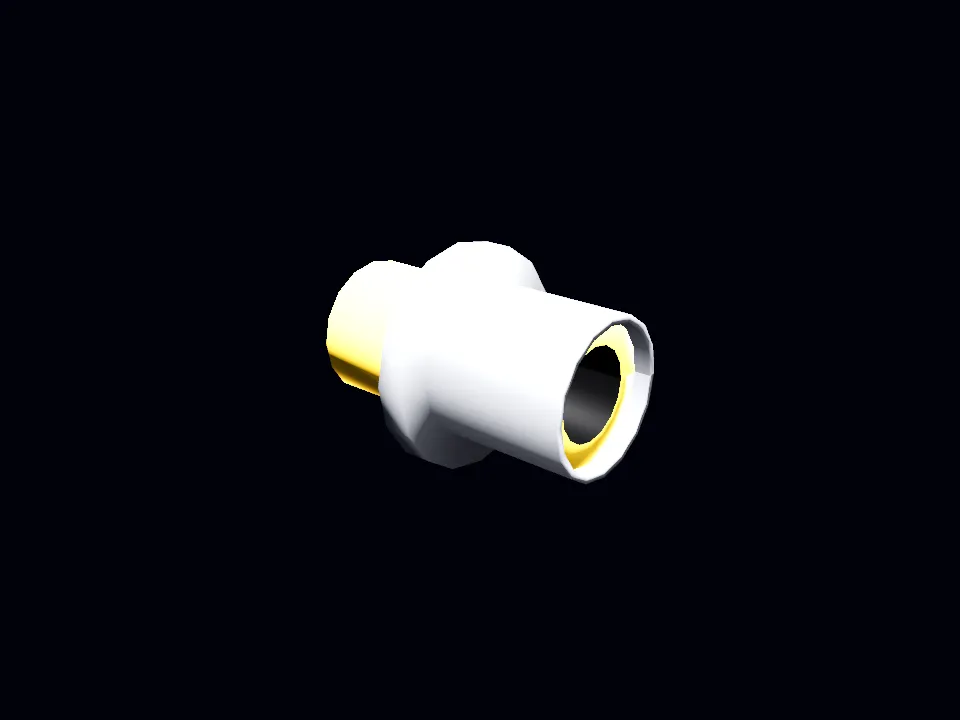
Phono (RCA)
Composite video and stereo audio. Yellow is video, white and red are left and right audio. Three of them make up a composite lead.
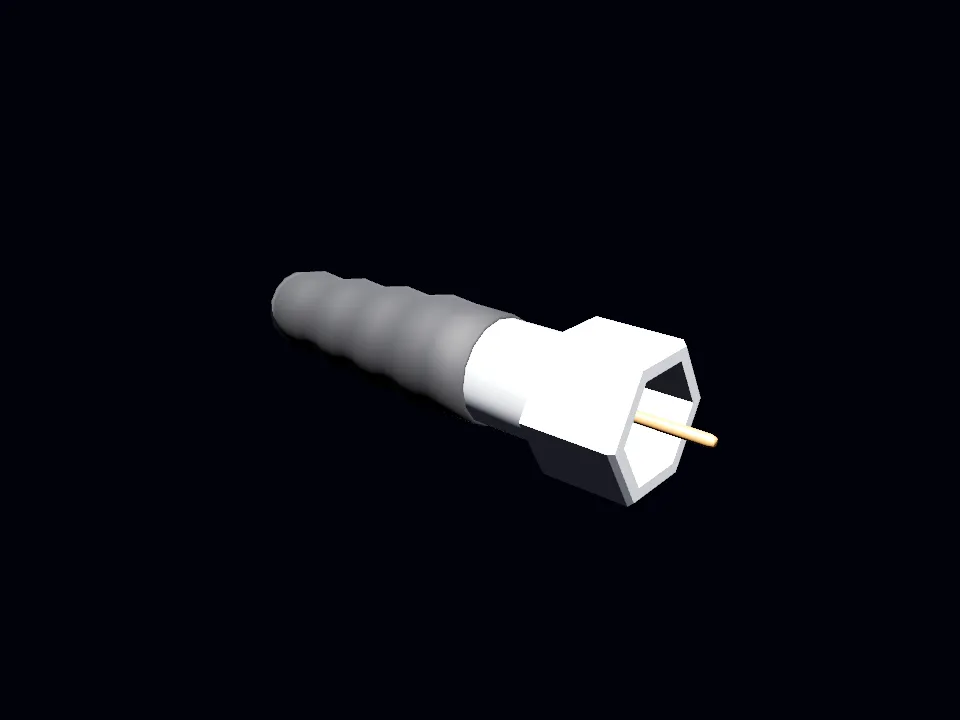
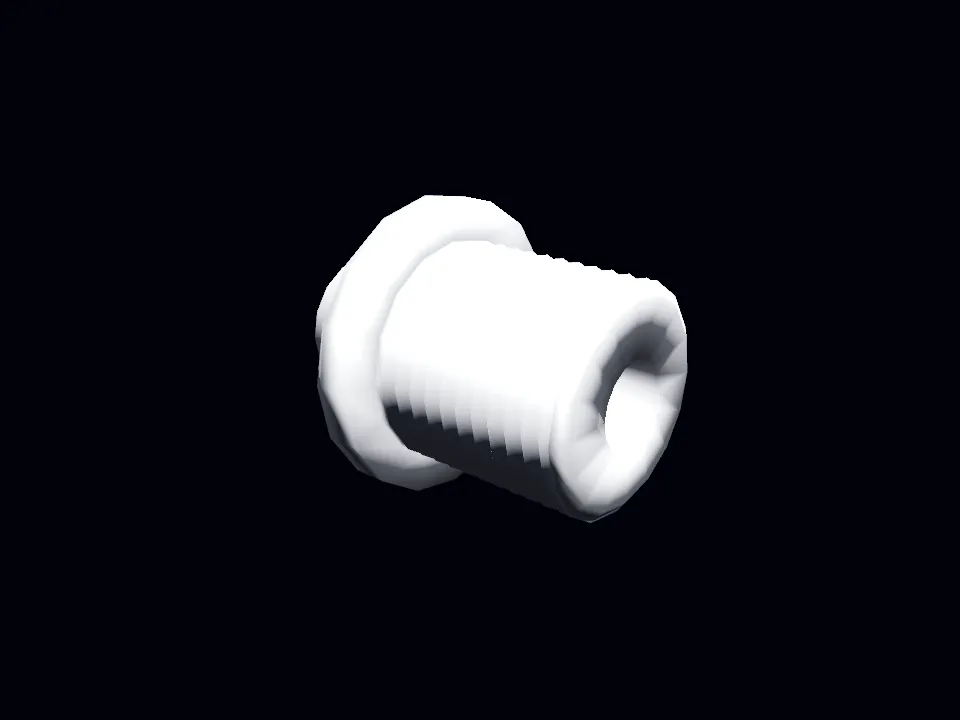
Coax (RF)
The antenna connection. Used by an RF switch, and by the TV’s own antenna input.
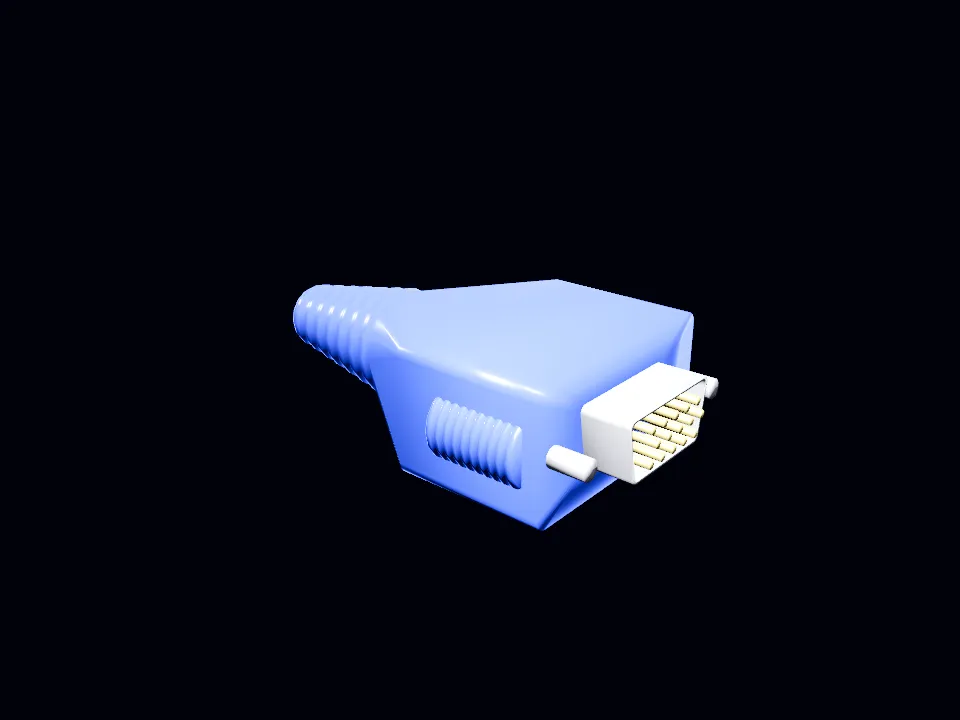
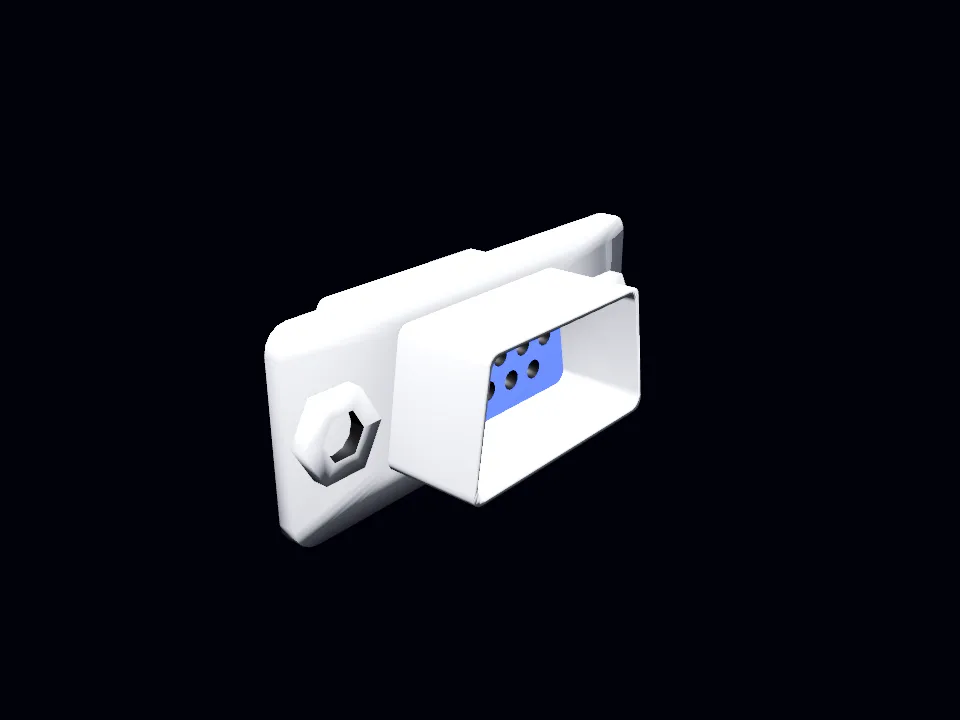
VGA (DE-15)
For a computer monitor. Carries picture only — audio needs its own lead.
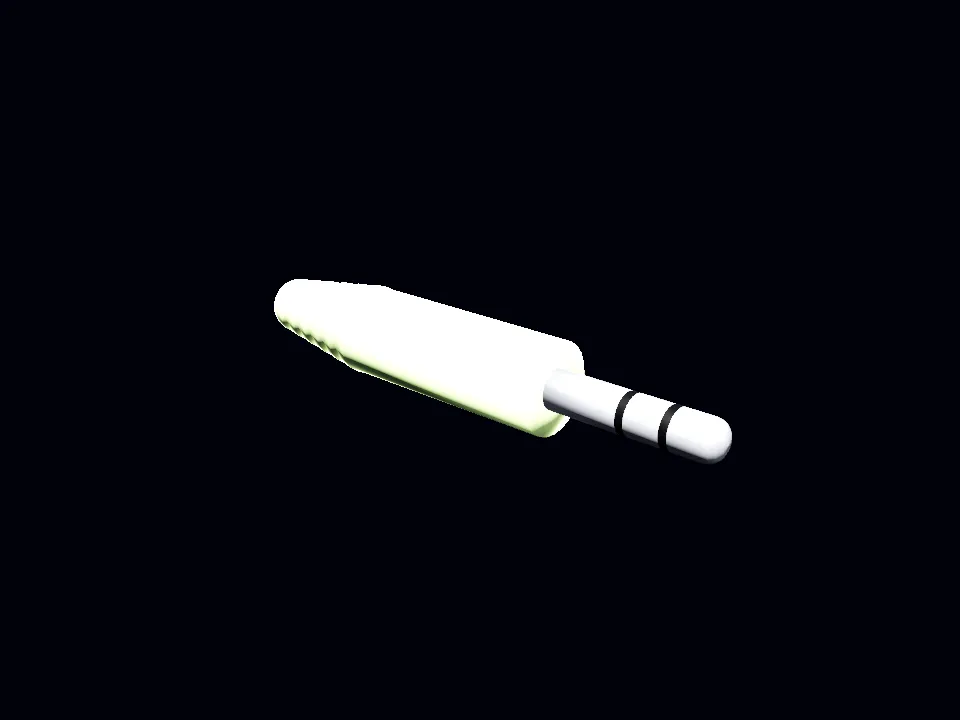

3.5 mm (TRS)
Stereo audio on its own, for speakers or a monitor that has no phono row.
AV IN: the television’s panel
Section titled “AV IN: the television’s panel”The sockets live on the back of the set, each block labeled with what it is.
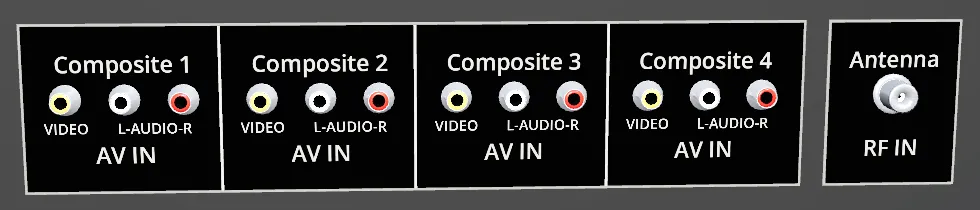
Four composite inputs, so you can leave several machines wired up at once instead of swapping cables. Cycle between them with the source button on the set, or on the TV remote. The set shows the input it is switched to; the others keep running.
There is also an aspect ratio button, switching the set between 16:9 and 4:3.
AV OUT: the machine’s panel
Section titled “AV OUT: the machine’s panel”The console end is the mirror image — a row of phono sockets on the back, sometimes alongside an RF output.
Composite: the normal way
Section titled “Composite: the normal way”Most consoles come with a composite lead: the familiar yellow-white-red trio, video plus stereo audio.
- Grab the plug at the console end of the lead if it is not already attached.
- Push it into the matching row of phono sockets on the back of the TV.
- Set the TV to that input.
Some machines only put out mono composite — video plus a single audio channel. It seats in the same row; there is simply one fewer plug.
RF: the antenna way
Section titled “RF: the antenna way”Older machines feed the television through an RF switch rather than a phono row.
The chain is:
console → RF switch → TV antenna socketThen tune the television to the channel the switch outputs on. On a channel with nothing on it you get snow, exactly as you would have in 1988 — that is not a bug, it means the set is working and the machine is not reaching it.
A console can feed composite and RF at the same time. Both outputs are live; which one you see depends on the input the TV is showing.
VGA and monitors
Section titled “VGA and monitors”A CRT computer monitor takes a DE-15 (VGA) lead and has no phono row at all. If you are staring at a monitor wondering where to put a composite plug, that is why — it takes a different cable, and machines that can drive it have a VGA output of their own.
Composite carries its own audio. Where a machine has a separate 3.5 mm output, run that to a speaker pair or to the set, or you will have a picture and silence.
The television’s own volume and mute controls act on whatever input it is currently showing — so a source you cannot hear may simply not be the selected input.
Live television
Section titled “Live television”If you have an HDHomeRun tuner on your network with an antenna attached, RetroXR finds it automatically. Set the TV’s source to the tuner and the channel up and down buttons cycle your actual local channels.
When there is no picture
Section titled “When there is no picture”Work down this list — it is ordered by how often each one is the answer.
- The plug is not seated, or is seated in the neighboring socket.
- The TV is showing a different input.
- The TV is switched off. Its own power button, not the console’s.
- The machine is off, or has no cartridge or disc in it.
- The channel is untuned, if you went through an RF switch — snow means exactly this.
- No core is installed for that system, so there is nothing to produce a picture.
A blank input paints blank. That is deliberate: the television behaves like a television, so the state of your wiring is always readable from the screen.