

Controllers and peripherals
Controllers are objects like everything else. Spawn one, plug it into a console’s port, pick it up, and it works.
Virtual pads
Section titled “Virtual pads”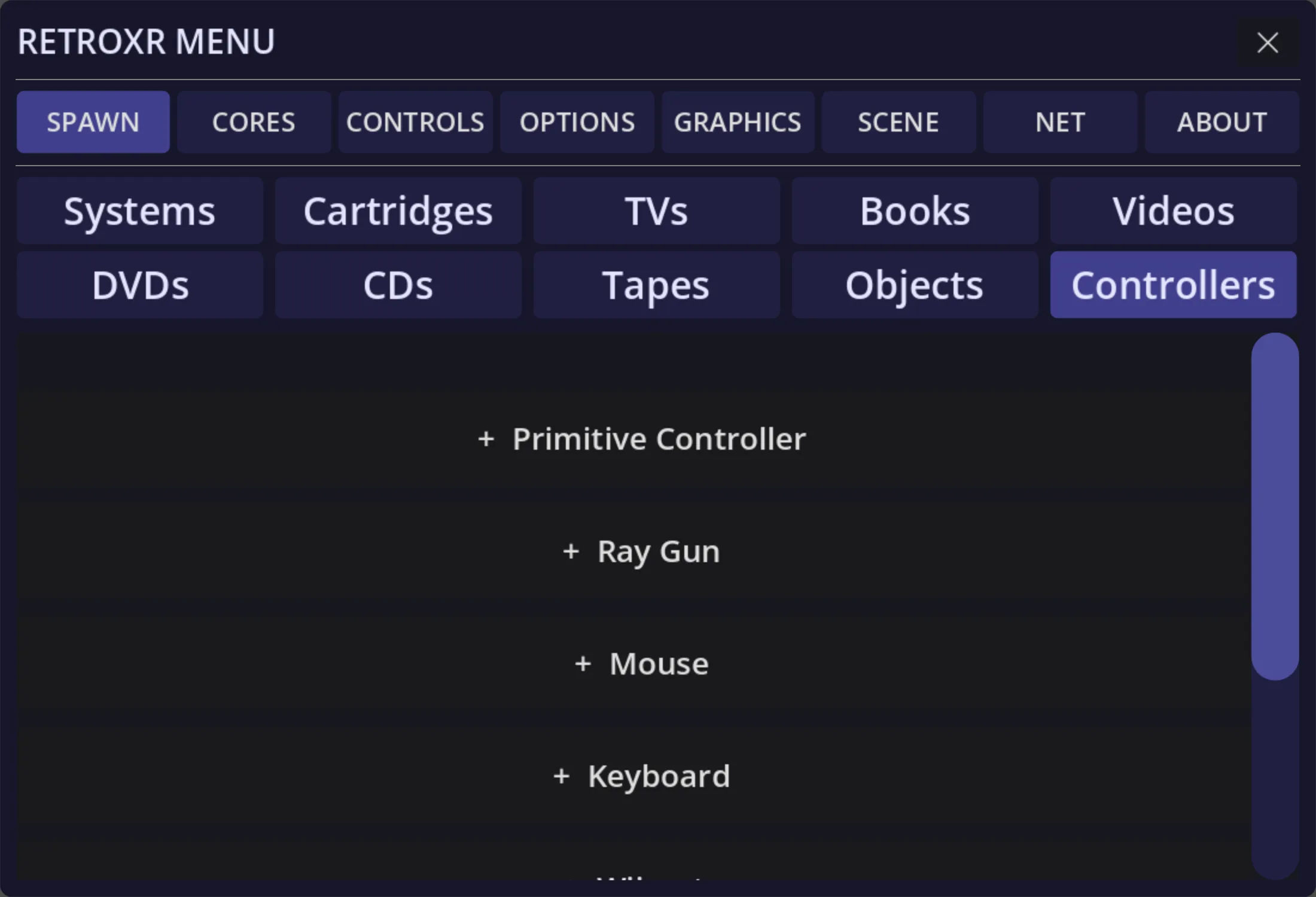
Open SPAWN → Controllers. Alongside the generic retro pad there are
system-specific ones — an NES pad, an Atari CX40 stick, a Virtual Boy pad — plus
peripherals: a multitap for more players, a light gun, a mouse, and a keyboard.
Plug the pad’s lead into one of the console’s numbered controller ports. Port 1 is player one, and the ports are labeled, so a two-player game needs two pads in the right holes.
Then pick the pad up and play. Your thumbs drive the buttons directly.
Using a real gamepad, keyboard or mouse
Section titled “Using a real gamepad, keyboard or mouse”Holding an imaginary controller is charming for about ten minutes. If you have real hardware — a gamepad, a keyboard, a mouse — RetroXR forwards it into a machine through a small box called a receiver, with nothing held in your hands.
A real device drives exactly one destination, and you say which by choosing the port you seat the receiver in.
That has its own page: using a real gamepad, keyboard or mouse.
Peripherals
Section titled “Peripherals”- Multitap — plugs into one port and gives you several, for games that supported it.
- Light gun / ray gun — point it at the screen and pull the trigger.
- Mouse — for the systems that had one.
- Keyboard — for the computers that needed one.
- Motion controllers — a Wiimote with its nunchuk, MotionPlus and sensor bar.
Peripherals plug in the same way as pads, and the machine has to actually support them for a game to notice.