

Setting up your controls
Everything that presses a button in RetroXR is rebindable, and it all lives under the
CONTROLS tab.
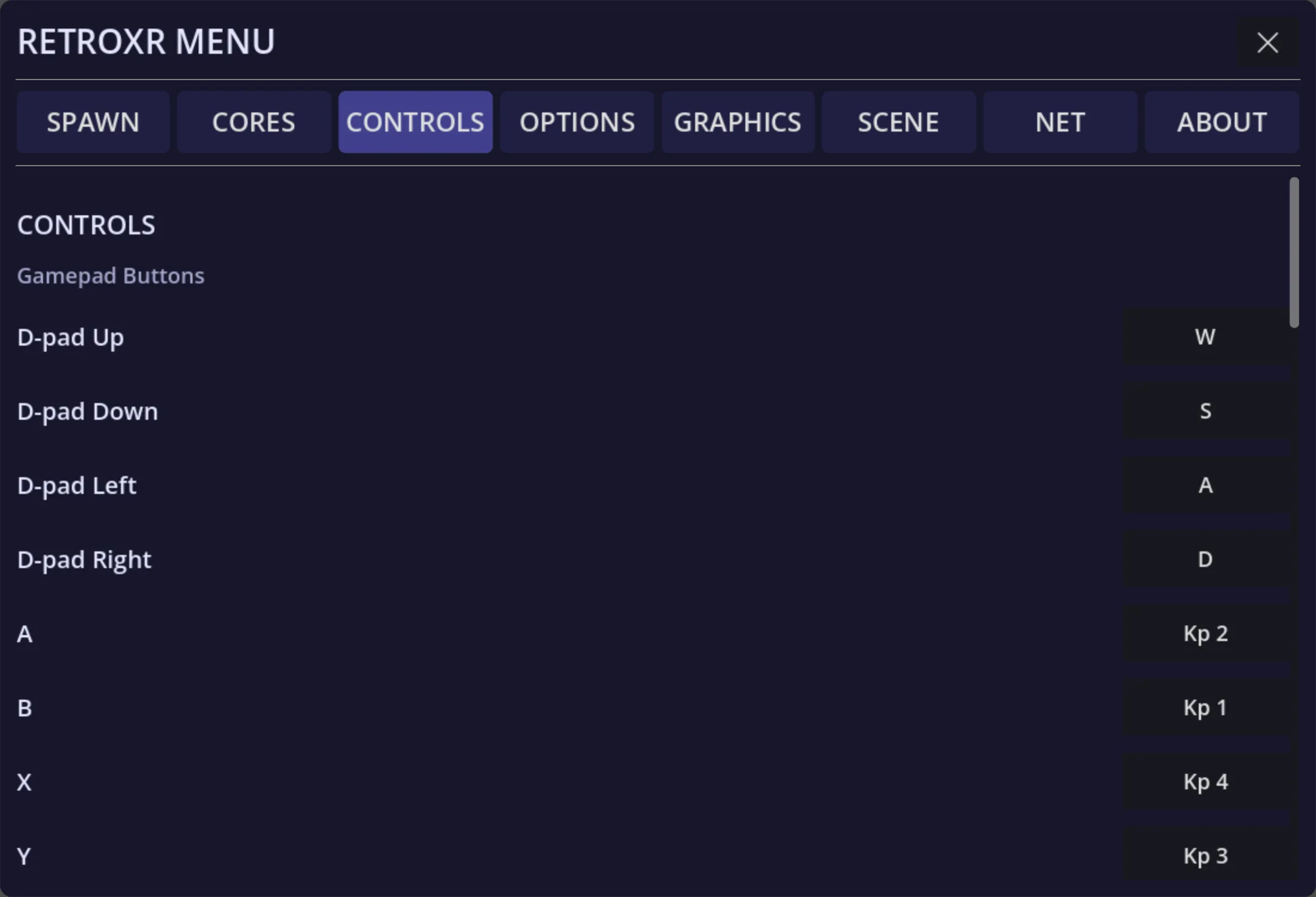
Each row is one control on the emulated machine, with whatever currently drives it beside it. Change a row and it takes effect immediately.
Three kinds of input, one screen
Section titled “Three kinds of input, one screen”| What you are binding | Where it comes from |
|---|---|
| VR controllers | The Quest controllers in your hands |
| Keyboard | The real keyboard, on desktop or through a receiver |
| A real gamepad | Anything connected over Bluetooth or USB |
They are not exclusive. A control can have a VR binding and a key at the same time, and whichever you press wins — pressing one never cancels the other.
Global, or per system
Section titled “Global, or per system”Bindings resolve in layers:
- Defaults — what RetroXR ships with.
- Your global bindings — applied everywhere.
- Per-system bindings — applied only to that machine.
The most specific one wins. So you can set a layout you like everywhere, and still give one console its own arrangement without disturbing the rest.
As of v0.4.0 this applies to both the XR controllers and any external gamepad — each
platform can carry its own map for either, set from the CONTROLS menu.
Devices with their own layer
Section titled “Devices with their own layer”Some hardware has bindings of its own, because it is not shaped like a joypad:
- Wii Remote — its own map, since it has seven buttons, a d-pad and motion. See the Wii page.
- Nunchuk — a small map of its own, chained behind the remote, motion included.
- Light gun — its own trigger and buttons.
These read from the same file and follow the same global-then-per-system rule.
Using real hardware
Section titled “Using real hardware”A real gamepad, keyboard or mouse reaches a machine through a receiver — a small box you plug into a controller port, rather than anything you configure in a menu.
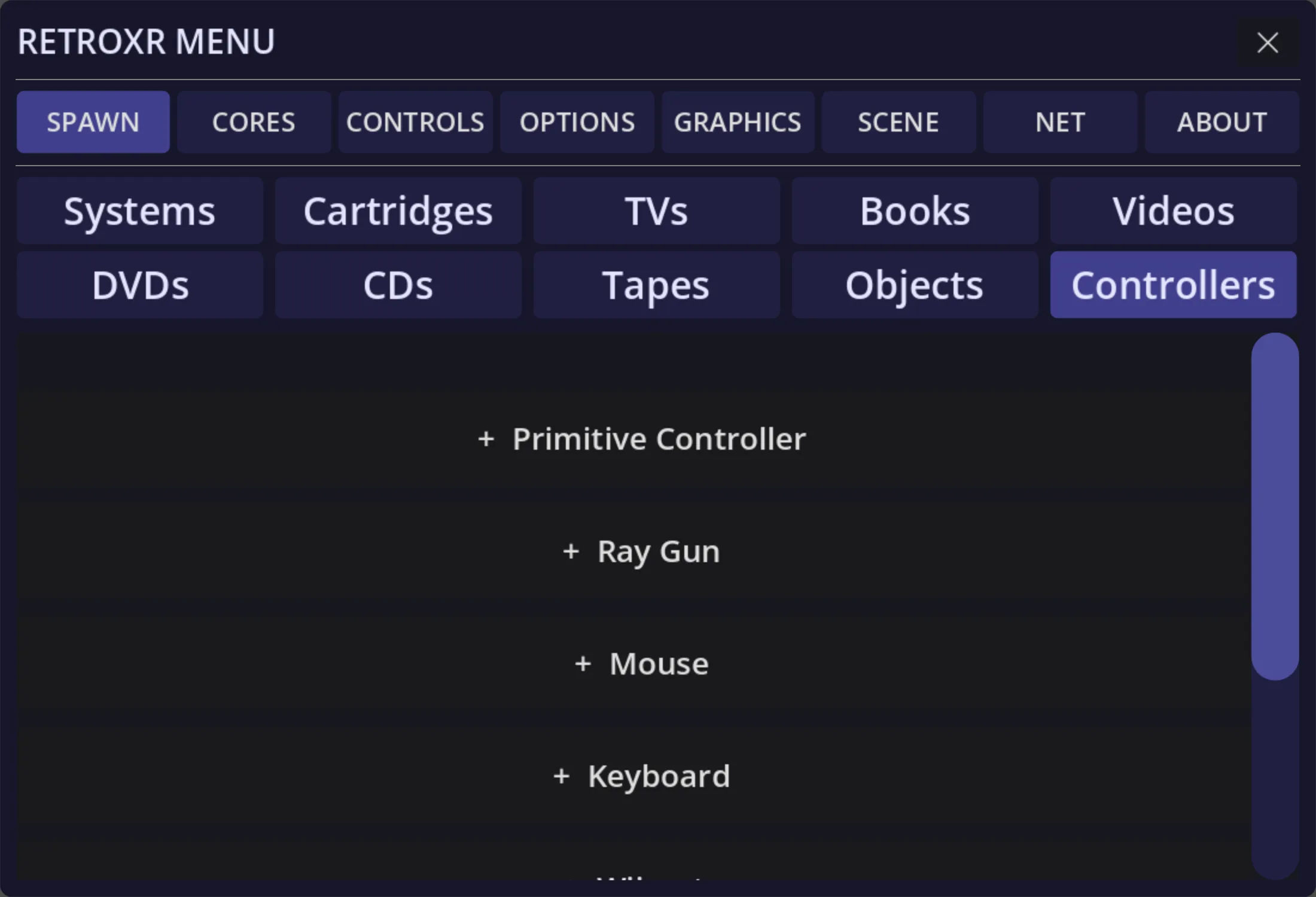
That has its own page: using a real gamepad, keyboard or mouse.
Desktop mode
Section titled “Desktop mode”With no headset, the keyboard is both how you walk around the room and how you play. The full default map is on desktop controls.
The two do not collide, because a held keyboard only hijacks your typing once Scroll Lock capture is on. Off, the keys still belong to you.
Comfort settings are elsewhere
Section titled “Comfort settings are elsewhere”Turning style, snap angle, the movement vignette, height and world scale are not bindings
— they are under OPTIONS, and covered on graphics and
comfort.