

Books and magazines
Books in RetroXR are not a reader UI. They are objects you pick up, hold, and turn the pages of.
Getting books in
Section titled “Getting books in”Put files into the books/ folder:
- Windows —
%USERPROFILE%\retroxr\books - Linux / macOS —
~/retroxr/books - Quest —
/sdcard/Android/data/com.xenu.retroxr/files/books
Supported: .pdf and .cbz (a ZIP of .jpg, .png or .webp page images). CBR
and loose image files are not listed.
Reading one
Section titled “Reading one”Open SPAWN → Books and click a title. It drops straight into the hand that
clicked.
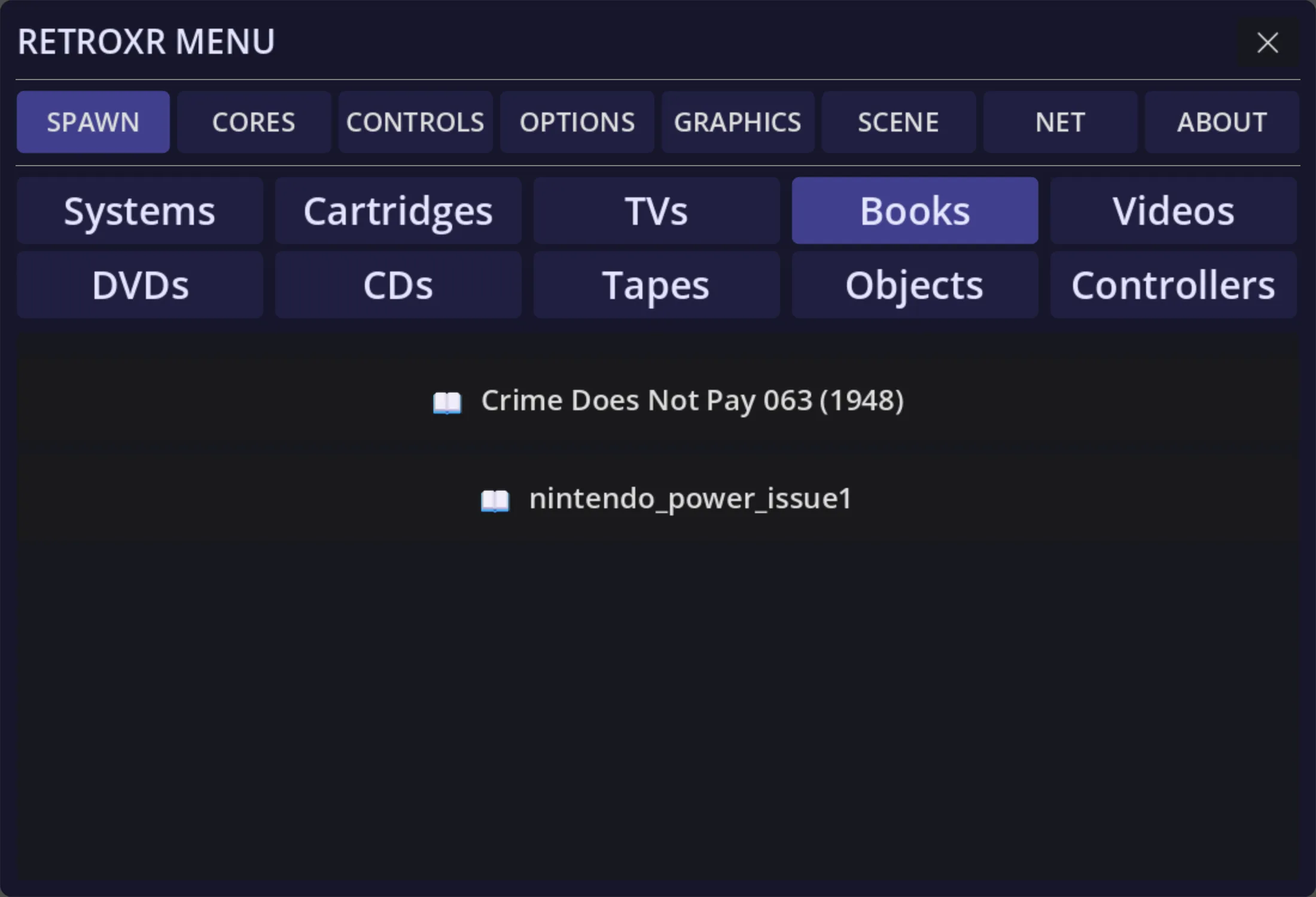
Pages are rendered from the file on demand and cached to disk, so the first open of a big scan takes a moment and every open after that is instant.
Turning pages
Section titled “Turning pages”In VR — hover a controller over the outer edge of a page, hold the trigger, and drag the page across. Release past halfway and the turn completes; release short of it and the page springs back.
Holding the book one-handed, you can also poke the far edge with your other hand and squeeze grip to flip.
On desktop — with the book held, E is the next page and Q the previous one.
Book settings
Section titled “Book settings”Point at the book and click the left thumbstick for a small panel with two controls:
- Size — 0.5× to 2.5×, for everything from a pocket manual to a broadsheet.
- Half pages — splits a scanned two-page spread down the middle, so a magazine scanned as spreads reads one page at a time.
Game manuals
Section titled “Game manuals”If a game has been scraped, its row in the Games tab has a 📖 button that spawns the manual as a book. Leave it open on the desk next to the TV while you play, which is what manuals were for.
See box art and manuals.
Putting one down
Section titled “Putting one down”Set a book on any shelf or desk and it stays there, open at the page you left it. Pick it back up with grip, or with the pointer ray from across the room.