

The hardware is real
RetroXR turns emulation into something you handle. Instead of a menu, you get a room: a console on the floor, a CRT on the stand, cartridges on the shelf.
Spawn a system and a TV, run the A/V cable between them, push a cartridge into the slot and hit power. The picture comes up on the TV. Everything is physical: cables hang and swing, lids hinge open, discs sit in trays, and a cartridge has to go in the right way up.
What’s in the room
Section titled “What’s in the room”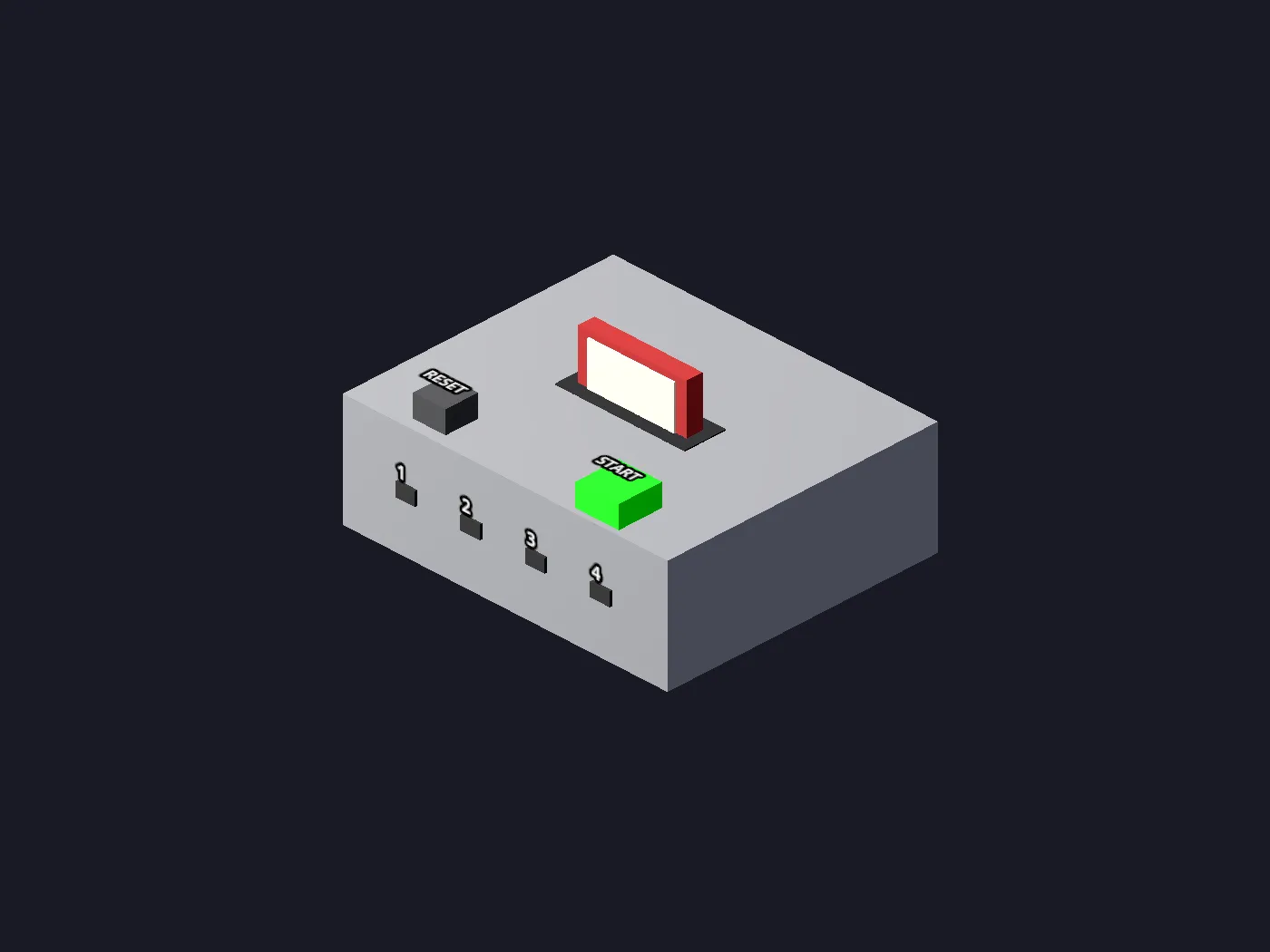
Consoles you plug in
Spawn a system, seat a cartridge, run the A/V lead to a TV and hit power. Wire it wrong and you get a blank input, because that is what would happen.
Cores, downloaded in-headset
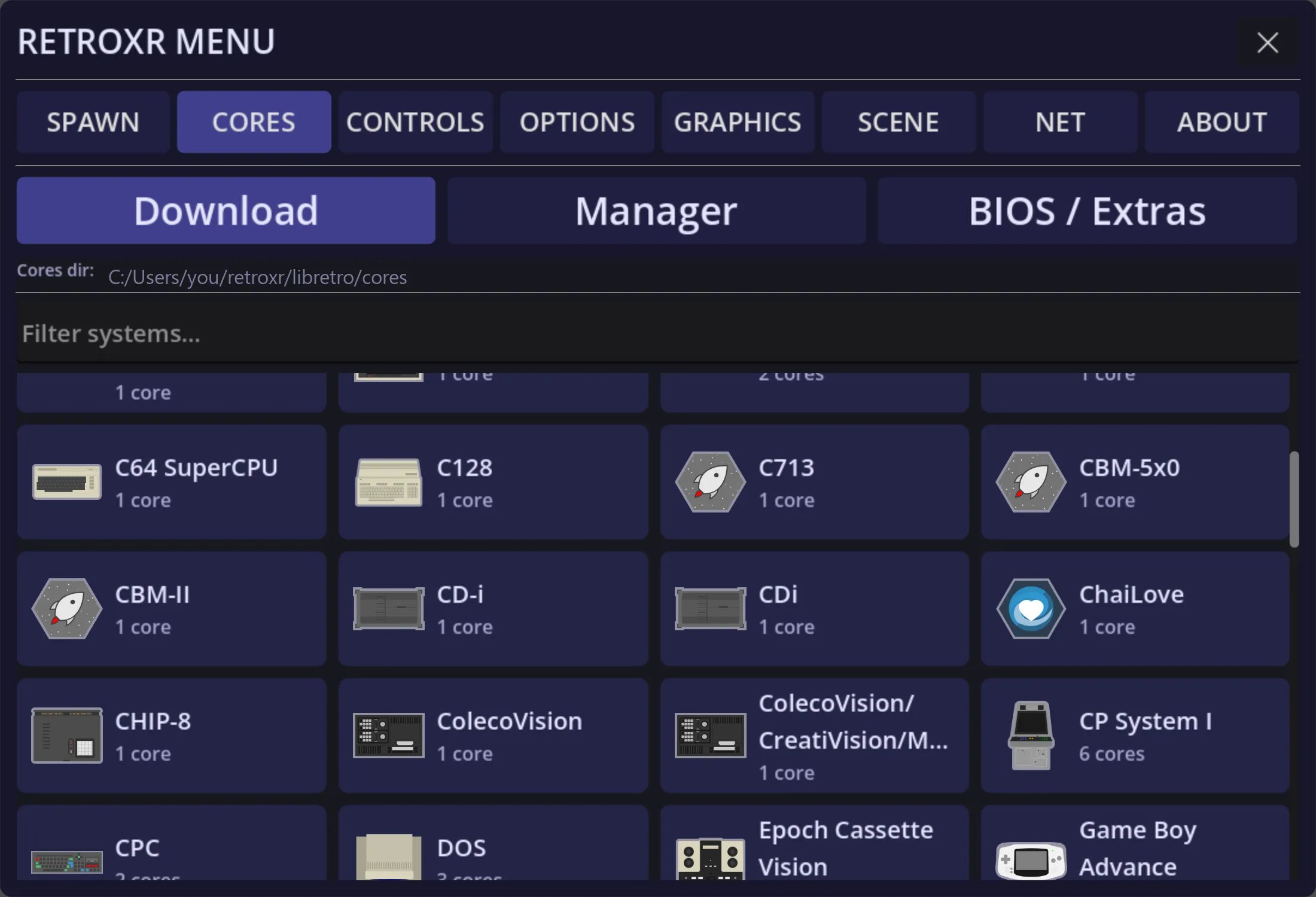
Powered by libretro, so it plays what libretro plays: NES, SNES, Mega Drive, PlayStation, Saturn, Dreamcast, GameCube, Game Boy, DS, 3DS, PSP and plenty more. No setting anything up on a PC first.
A default core per system
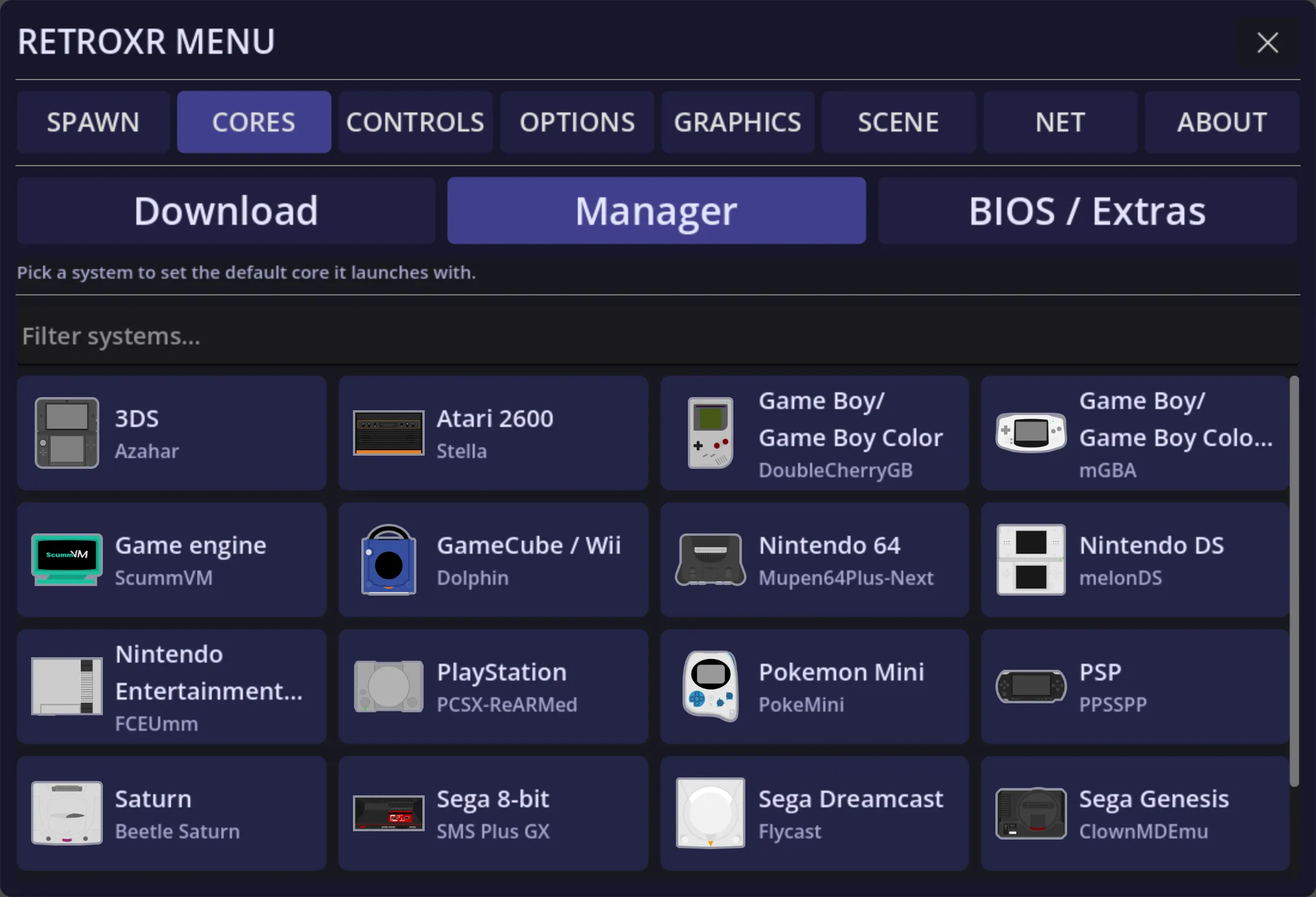
Some systems have several cores with different strengths. Pick the one each platform launches with, and set its options, without leaving the headset.
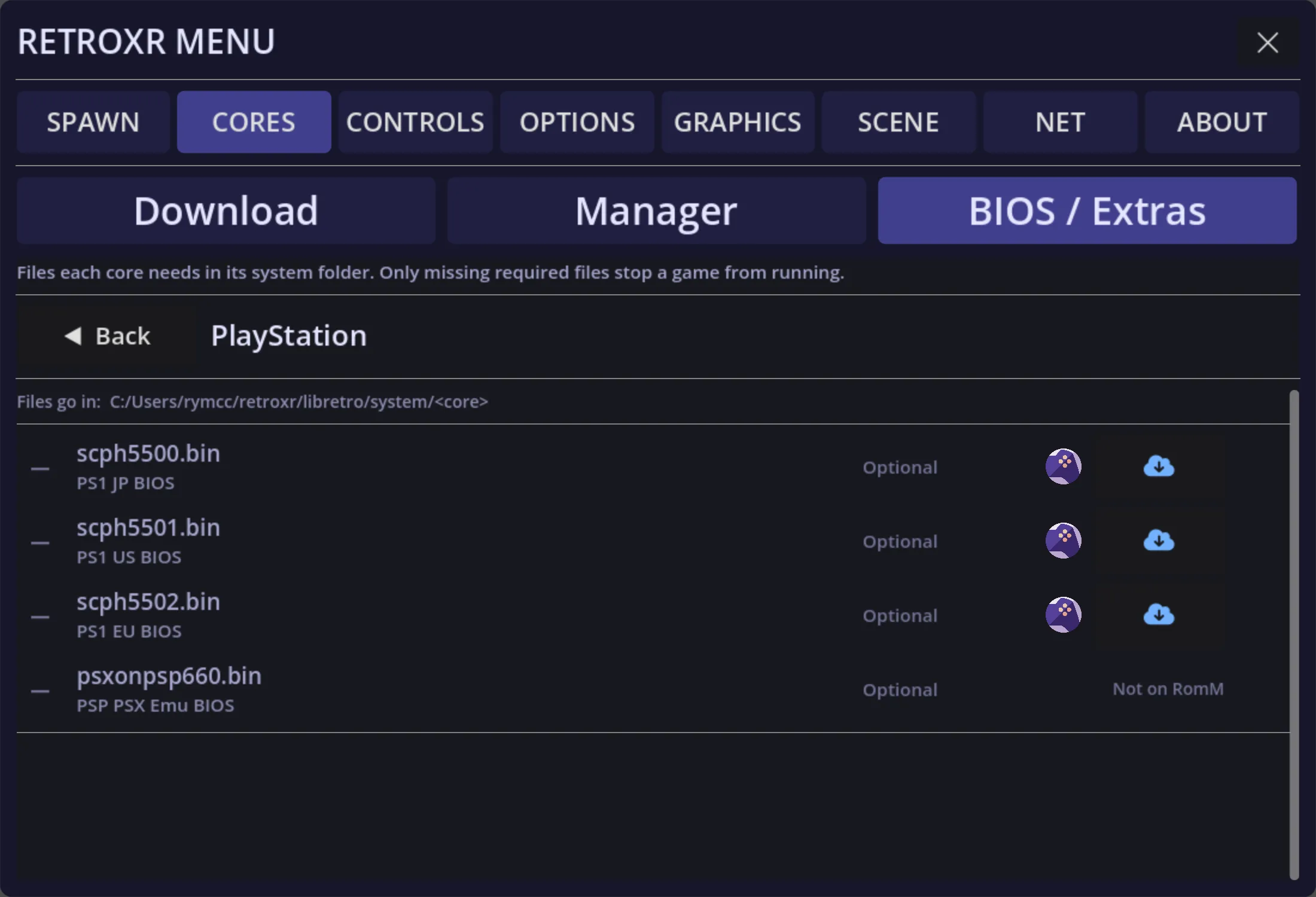
BIOS files, tracked
The systems that need a BIOS say so, file by file, and mark which are required and which are optional, instead of failing to boot with no explanation.
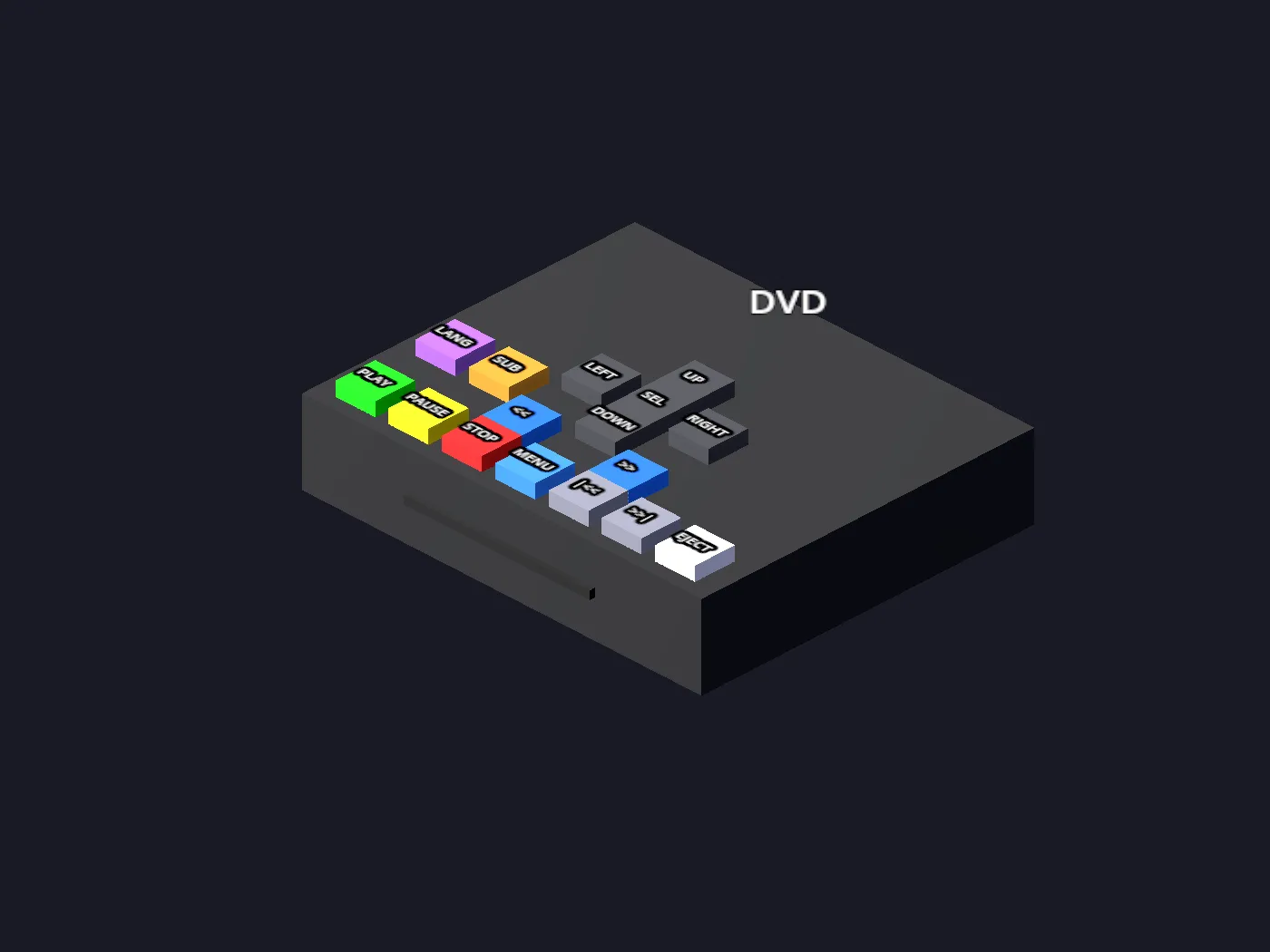
A DVD player that plays discs
Real disc menus and chapter navigation, driven by libVLC. Drop an ISO or a VIDEO_TS folder in, spawn a player and a TV, and wire them together.
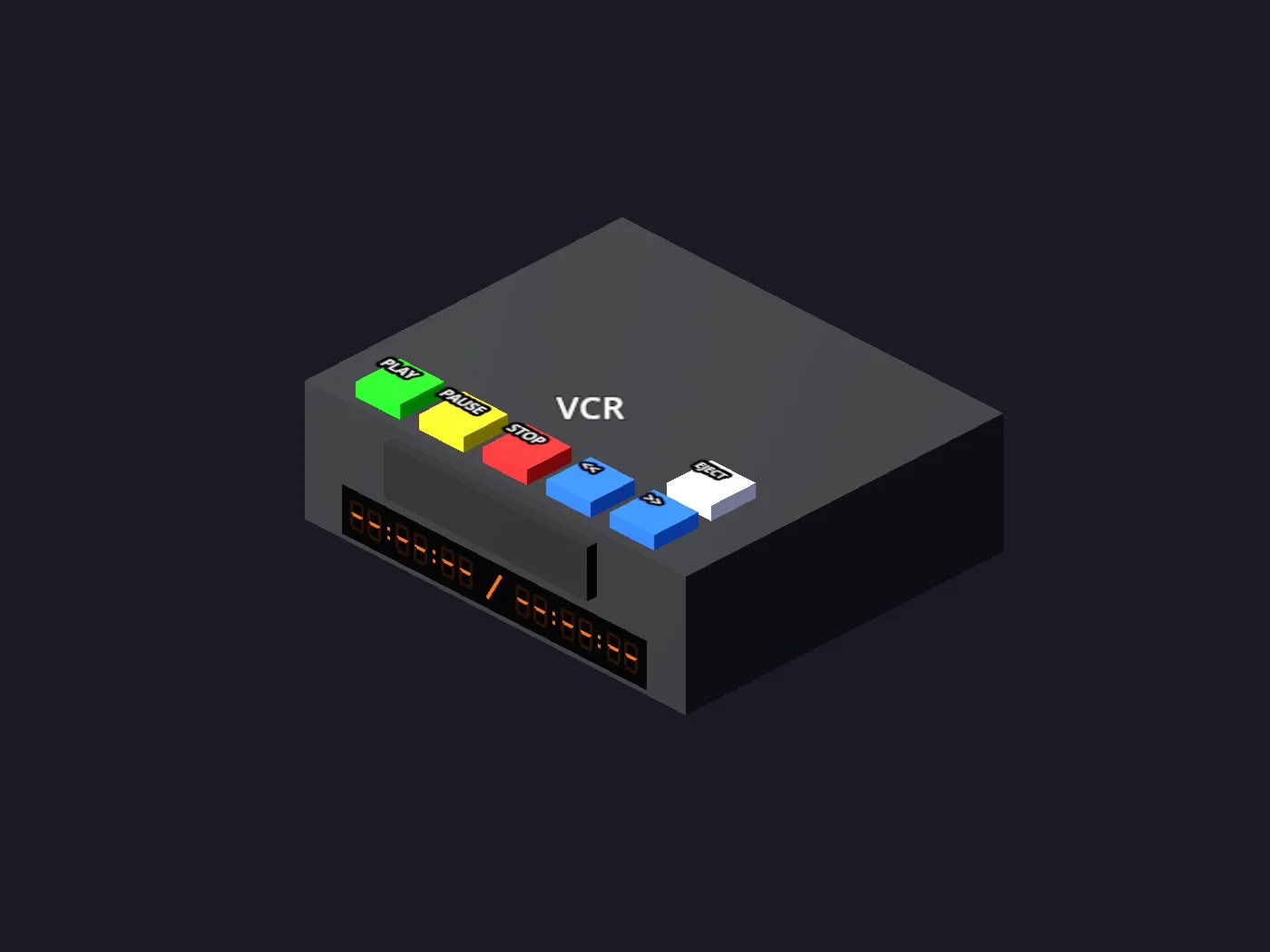
A VCR for your own tapes
Your video files become VHS tapes you push into a deck. Play, pause, rewind and fast-forward, and it renders onto whichever TV it is plugged into.
Books you actually turn
PDFs and CBZs are physical books. Grab a page by its outer edge and drag it across; release past halfway and the turn completes, short of it and it springs back.
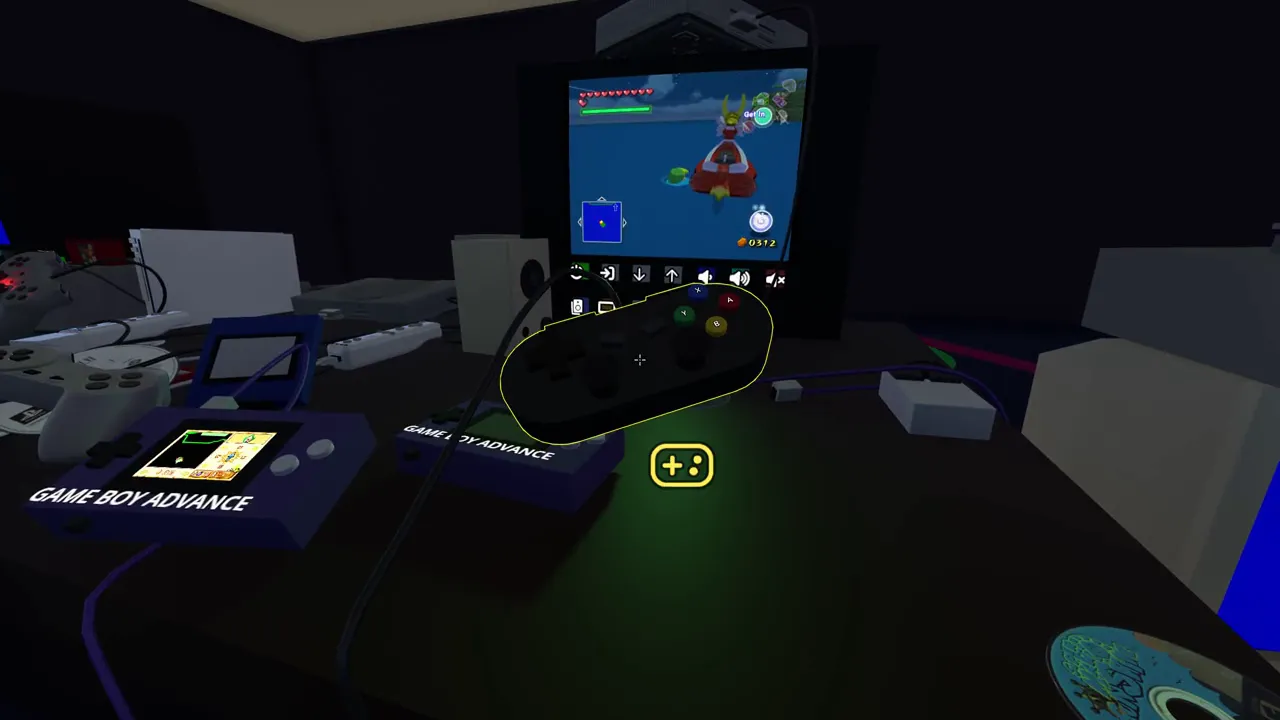
Link cables that carry real data
Run a lead between two machines and they talk. That covers Game Boys, PlayStations, Saturns, Game Gears, Lynxes, Jaguars, Neo Geo Pockets, WonderSwans and Virtual Boys, up to six PlayStation 2s on i.LINK, a GameCube to four Game Boy Advances, even a Game Boy to its printer. Every machine its own core, one wire between them.
Mods, downloaded in-headset
Browse mods hosted on mod.io from inside RetroXR and install them with one button. Mods are models and scenes for the room, never games. See mods.
Add-ons you stack by hand
A Sega CD under a Mega Drive, a 32X in its slot, a 64DD, a Jaguar CD, a Super Game Boy, a Sufami Turbo taking two cartridges at once. Build the stack and the right core is chosen for you.
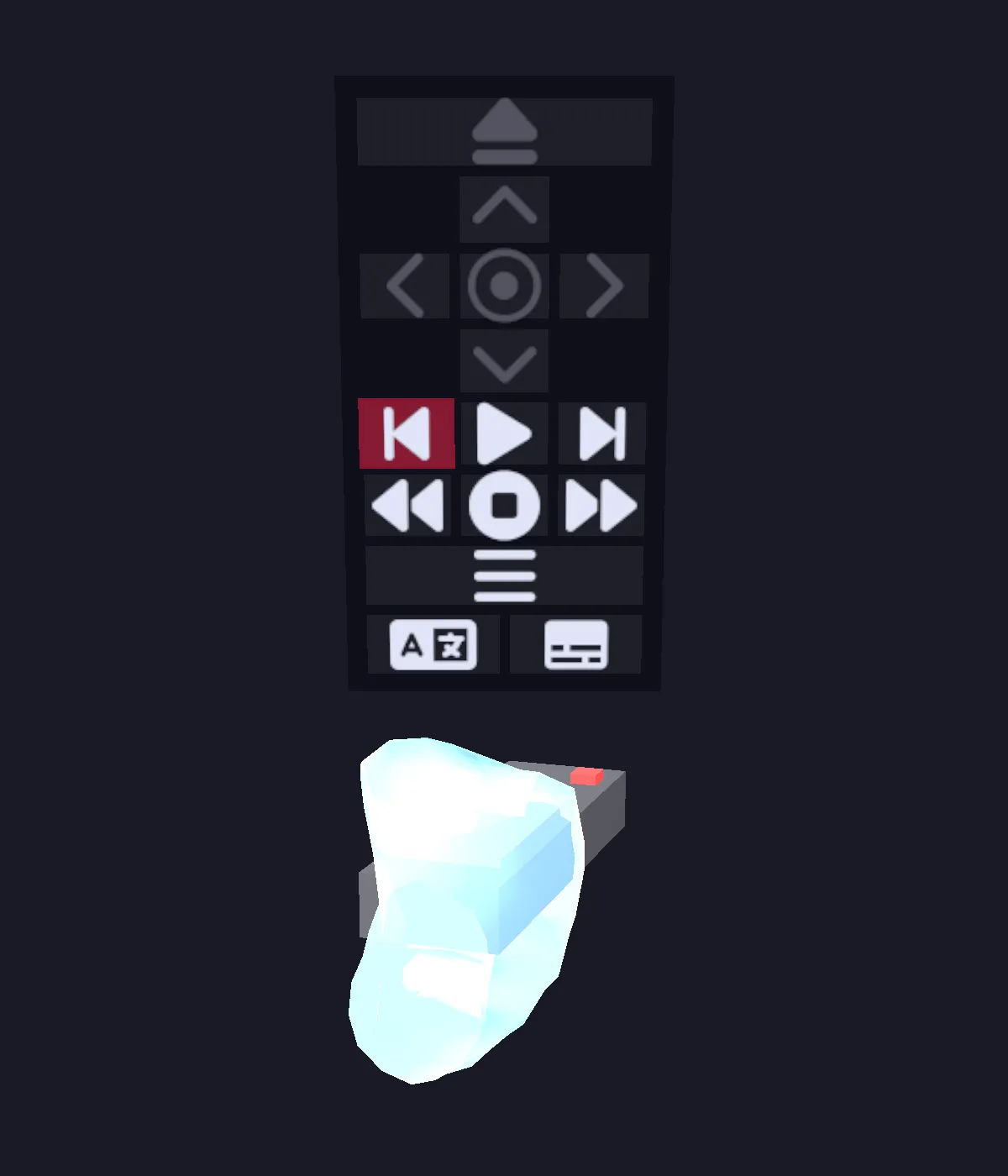
One remote for all of it
Point it at a TV, VCR, DVD player or tape deck and the right controls appear above it, including the disc’s own menus.
Running on a Quest 3
Section titled “Running on a Quest 3”All of these were recorded in the headset, standalone, with no PC and no streaming. Each one is a machine spawned into the room, cabled up and played.
Bring your own everything
Section titled “Bring your own everything”Copy ROMs across over a web interface on your local network and they show up in the menu, ready to spawn into your room, with box art and scanned manuals if you have them.
Already running RomM? RetroXR connects straight to your server. Browse your whole collection from inside the headset, pull down just the games you want to play, and let your saves sync back, with no cable and no shuffling files by hand.
The room does more than games, too. A working VCR and DVD player take your own video files, a CD player, tape deck and turntable handle music through a pair of speakers or a full 5.1 surround setup you wire up yourself. PDF manuals are books you can hold and page through.
This is early days
Section titled “This is early days”RetroXR is in active development, and it is honest to say so up front:
- Not every machine has a detailed model yet. A growing number wear a real shell: the NES, the Atari 2600, the PlayStation and its pads, the Wii Remote and Nunchuk, the Dreamcast, the Genesis 2 and 32X, the Game Boy Advance and e-Reader, the 64DD and the N64 controller, and most cartridges. The rest are clean procedural stand-ins: fully playable, deliberately minimalist. Models carry no trademarked logos or text.
- The rooms are early. They are somewhere to put your hardware, not finished spaces.
- Runs on Quest 2, 3 and Pro and on Windows, as PCVR or in a desktop mode with mouse and keyboard. Linux and macOS builds are experimental.
- Netplay is in, but it is very early. Treat it as a prototype rather than a feature.
- RetroXR ships no games and no BIOS files. You bring your own.
Want to help? See contributing, or come and say hello on Discord.
Get started
Section titled “Get started”- Download and install: including a full walkthrough if you have never sideloaded onto a Quest before.
- Your first session: spawn a console, wire it up, and get a picture on the TV.
- Devlog: what is being built, and what just shipped.