

Spawning things
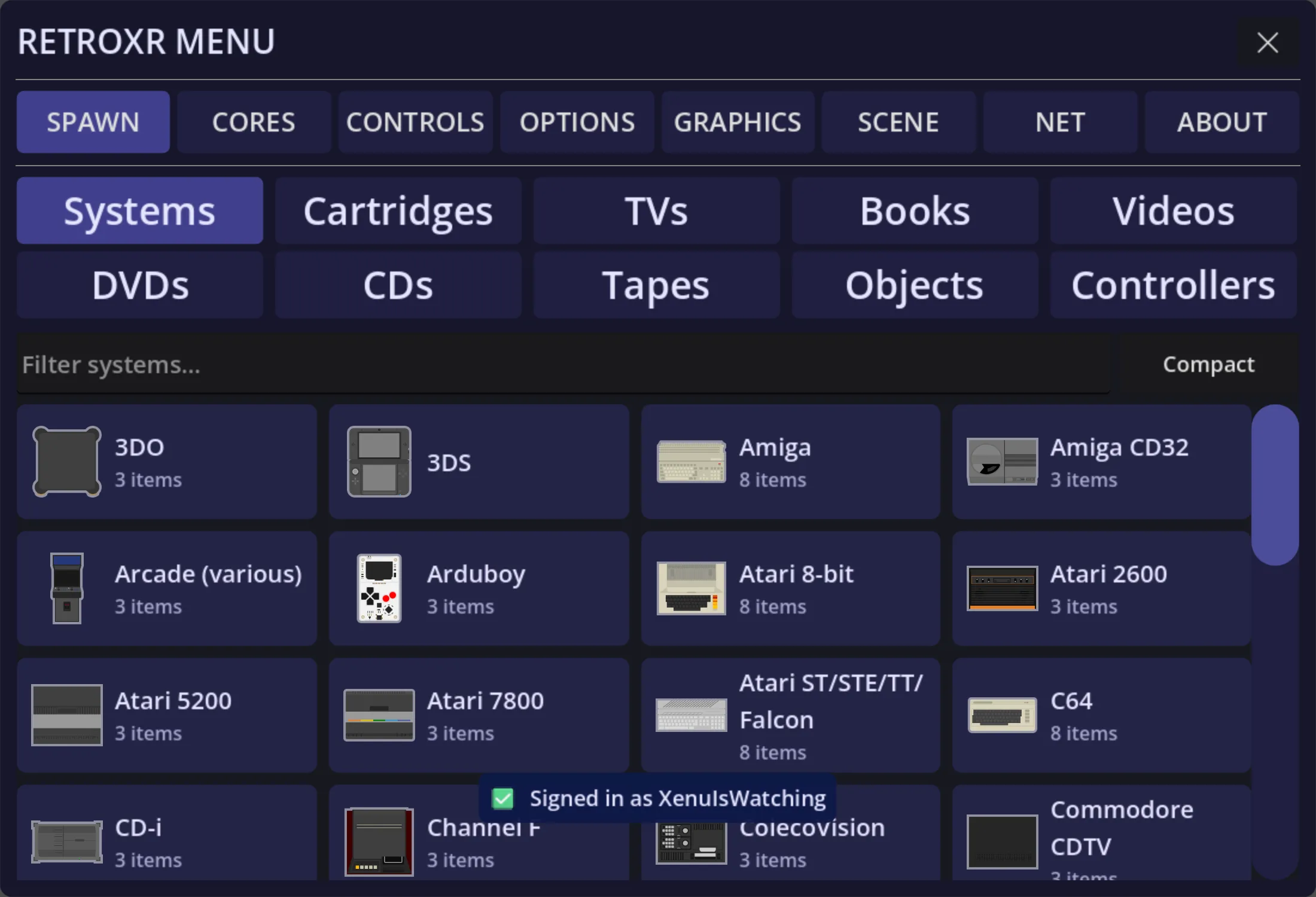
Everything in the room got there because you spawned it. The spawn menu is where that happens.
- In VR — press your left thumbstick in.
- On desktop — press
Tab.
The panel appears in front of you, facing the way you were looking. Point at it and pull the trigger to click.
The tabs
Section titled “The tabs”Across the top are the sections of the menu:
| Tab | What it is for |
|---|---|
SPAWN |
Bringing objects into the room |
CORES |
Downloading emulators, picking defaults, checking BIOS |
CONTROLS |
Input bindings |
OPTIONS |
App settings, including the web file manager |
GRAPHICS |
Quality, resolution, refresh rate, performance HUD |
SCENE |
Rooms, and saving or restoring a layout |
NET |
Netplay |
ABOUT |
Credits, licenses and the donate link |
What you can spawn
Section titled “What you can spawn”Under SPAWN there are ten tabs — Systems, Games, TVs, Books, Videos, DVDs, CDs,
Tapes, Objects and Controllers:
Games — your ROMs. Clicking one spawns a cartridge carrying that game, straight into the hand that clicked. If a game has been scraped, its row also has a 📖 button that spawns the scanned manual as a book.
Books — your PDFs and CBZs, as physical books.
Videos — your video files, as VHS tapes.
DVDs — your disc images, as DVDs.
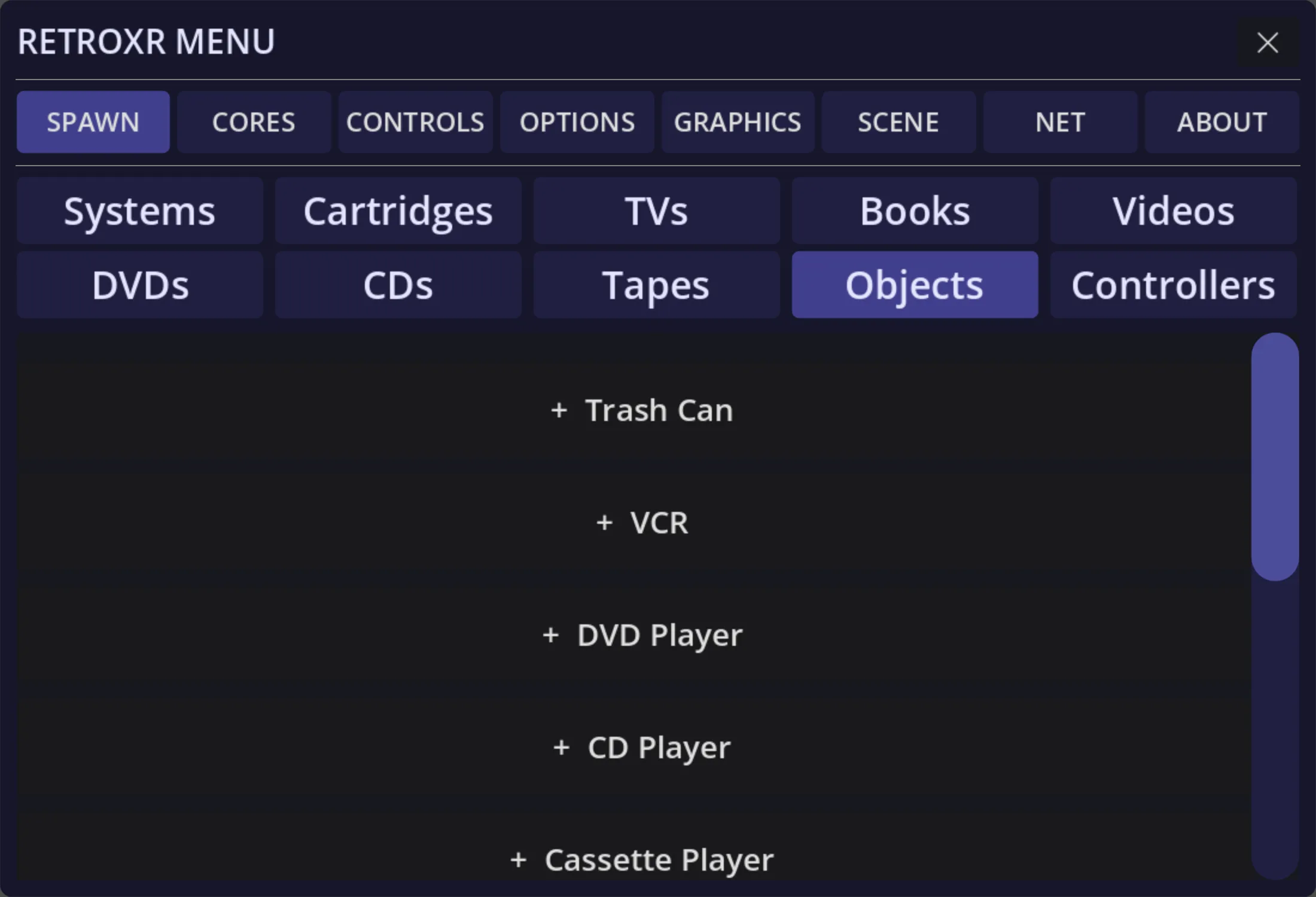
Objects — the hardware itself: the VCR, the DVD player, the CD player and cassette deck, speakers, the TV remote, every kind of A/V cable, the RF switch, the Wii sensor bar, a table to stand things on, and the room’s own props like the storage box.
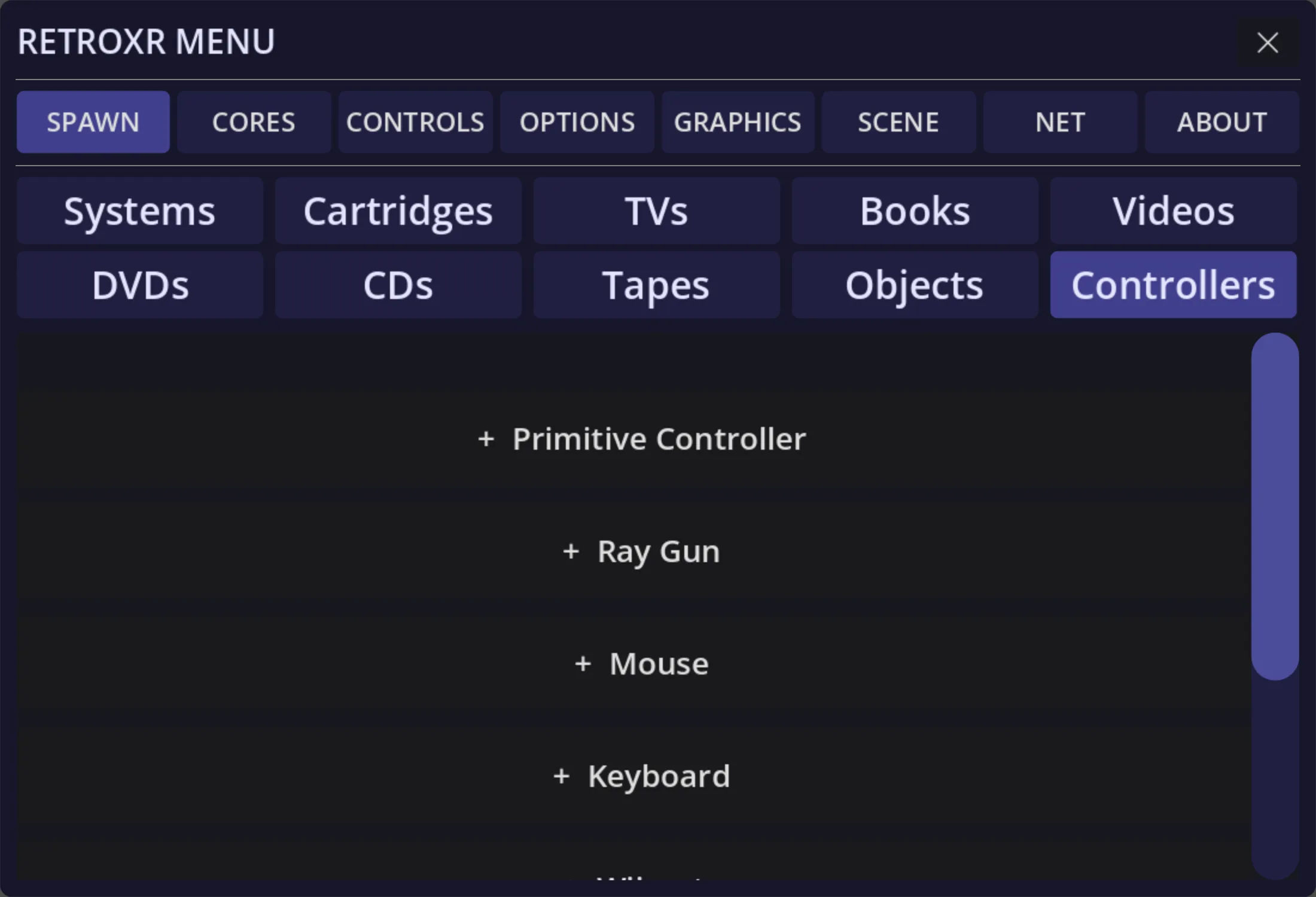
Controllers — pads, peripherals and the receivers they plug into.
Consoles that grew add-ons — a Sega CD, a 32X, a 64DD, a Super Game Boy — spawn their expansion from the Systems grid, filed under the system whose media it takes. See expansion hardware.
Picking things up and putting them down
Section titled “Picking things up and putting them down”- Grip grabs whatever your hand is near.
- Let go and it falls. Objects have weight and will knock each other over.
- Set something on a shelf, a desk or the floor and it stays there.
You can also grab at a distance by pointing at an object and using the trigger, which is easier for something across the room.
Keeping a layout
Section titled “Keeping a layout”A room you have wired up is worth keeping. The SCENE tab saves the whole arrangement —
every object, where it sits, and what is plugged into what — and restores it later.
See rooms and saving.