

DS and 3DS
The dual-screen handhelds are the ones where a headset earns its keep. A DS has a screen you touch; a 3DS has one with depth. Both work here, and the 3DS’s 3D is real per-eye stereo rather than the parallax barrier the hardware faked.
Nintendo DS
Section titled “Nintendo DS”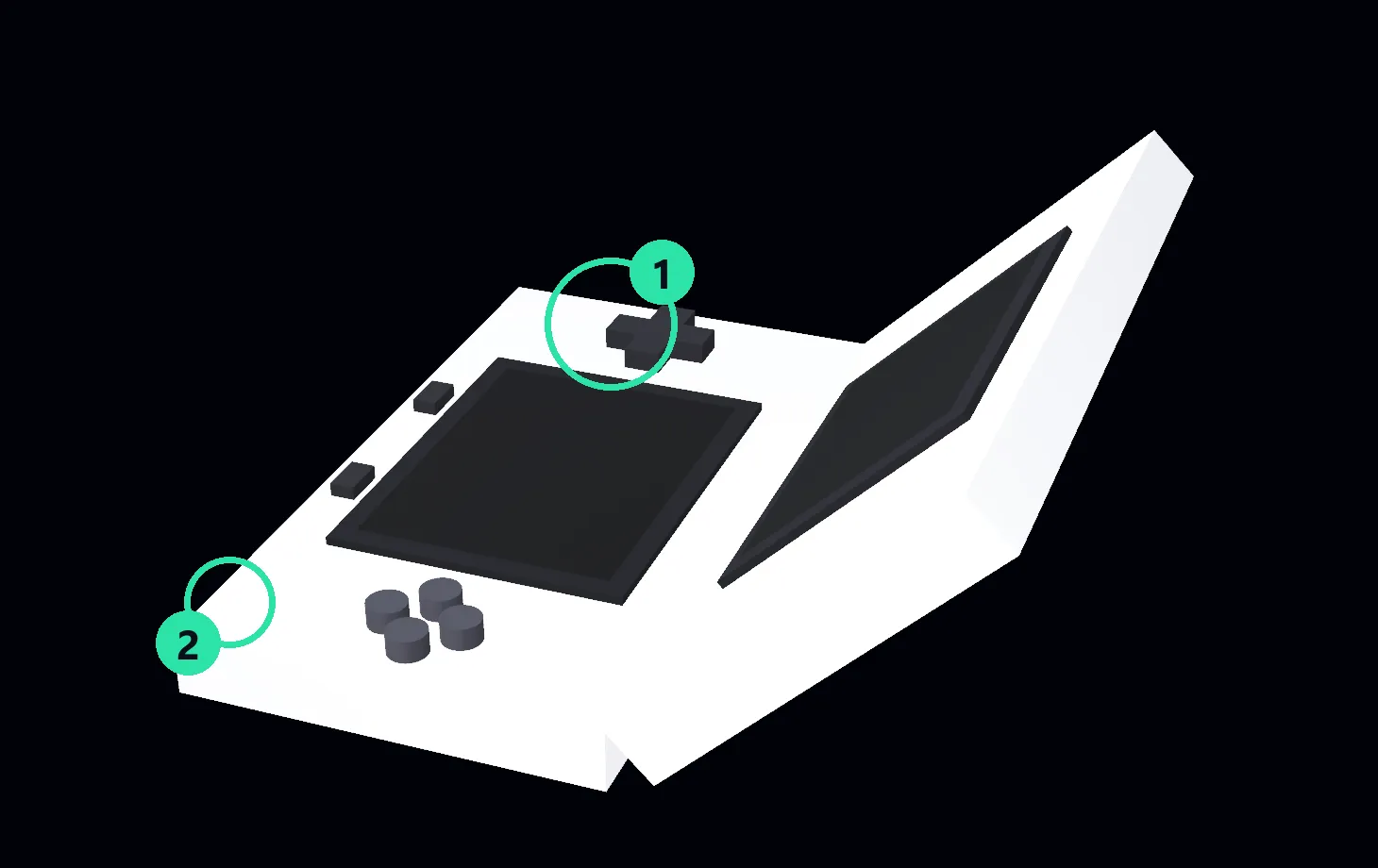
① Volume slider · ② Power light
The default model is the original “Phat”. The later DS Lite is a variant that swaps only the shell — every dual-screen behavior below is shared.
Touching the touch screen
Section titled “Touching the touch screen”This is the part that is simply better in VR: you reach out and touch it.
Taps arrive as a libretro pointer, and RetroXR forces both DS cores into touch mode to
receive them. That is not cosmetic — melonDS defaults to a “Mouse” pointer mode and
DeSmuME to pointer_type = "mouse", and both of those ignore a pointer. Left alone,
tapping the screen would do nothing at all.
Two screens, one framebuffer
Section titled “Two screens, one framebuffer”Both DS cores render the two screens into a single stacked 256×384 image — top half is the top screen, bottom half is the touch screen. RetroXR slices that one picture into the two screen panels on the shell, so what you see is one core output shown twice through different windows.
That is why the layout options are forced: Top/Bottom with a zero screen gap, so the
slicing lands where the shell expects it.
Buttons the DS never had
Section titled “Buttons the DS never had”The DS has L and R and nothing else on its shoulders — no triggers, no stick clicks. Both cores bind hotkeys to the four buttons it lacks, and neither lets you turn them off:
| Core | Hotkey | On |
|---|---|---|
| melonDS | Swap screens | R2 |
| melonDS | Close lid | L3 |
| DeSmuME | Lid close/open | L2 |
| DeSmuME | Quick screen switch | R3 |
RetroXR masks all four. A DS in the room has no L2, R2, L3 or R3 to press, so nothing can accidentally close the lid or swap your screens mid-game.
Nintendo 3DS
Section titled “Nintendo 3DS”Everything above applies, plus the thing worth putting a headset on for.
Real 3D, not a trick
Section titled “Real 3D, not a trick”The 3DS’s own 3D worked by a parallax barrier over the top screen: one display, split so each eye saw different columns, with a narrow sweet spot you had to hold your head inside.
RetroXR does not reproduce the barrier. It runs a patched core that renders the whole layout twice — once per eye — into a side-by-side frame, and hands the left half to your left eye and the right half to your right. That is genuine stereoscopic depth, with no sweet spot to sit in and no head-in-a-vice.
The depth slider
Section titled “The depth slider”The real 3DS had a physical slider on the right edge of its lid for 3D strength, and so does this one. It drives the core’s depth factor from 0 to 100%:
- Slider down — flat. Both eyes see the same thing.
- Slider up — full depth.
It works live, while a game is running — the core re-reads the setting mid-run — and the position is remembered for the next time you boot.
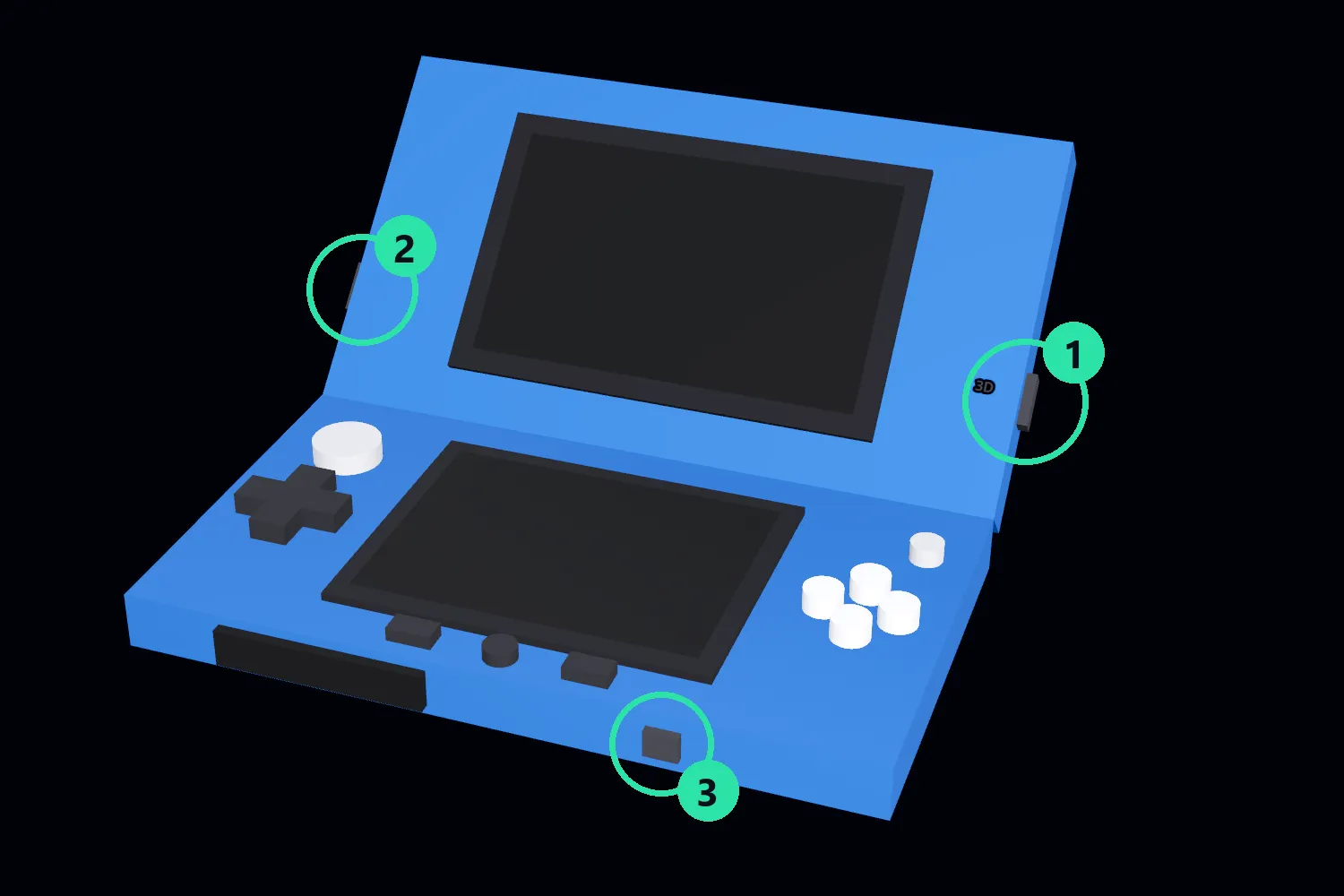
① 3D depth slider — on the lid’s right edge, printed 3D beside it, exactly where the
hardware put it. ② Volume slider. ③ Power.
Folding the lid
Section titled “Folding the lid”Both machines are clamshells with a grabbable hinge. Grip the lid and swing it: closed sits flat against the base, open lies back at the angle you would hold it.
Folding is cosmetic — closing the lid does not sleep the machine, because the “close lid” hotkeys the cores bind are exactly the ones RetroXR masks out.
Cartridges
Section titled “Cartridges”Spawn a game from SPAWN → Games and push it into the slot. Same as any other
machine — see cartridges, discs and memory cards.