

Adding your games
RetroXR ships no games, films, music or books. Everything you play, you supply.
The folder tree
Section titled “The folder tree”Everything lives under one folder:
Directoryretroxr/
Directoryroms/
Directorynes/ one folder per system
- …
Directorysuper_nes/
- …
Directoryplaystation/
- …
Directorybooks/ .pdf and .cbz
- …
Directoryvideos/ .mp4 .mkv .avi .webm .mov
- …
Directorydvd/ a VIDEO_TS folder, or .iso / .img
- …
Directorymusic/ audio for the CD player and tape deck
- …
Directoryposters/ images to stick on the walls
- …
Where that tree lives:
| Platform | Location |
|---|---|
| Windows | %USERPROFILE%\retroxr |
| Linux / macOS | ~/retroxr |
| Quest | /sdcard/Android/data/com.xenu.retroxr/files |
The system folder name under roms/ is what tells RetroXR which console a game belongs
to, and it has to match exactly. Several are not what you would guess — the SNES folder is
super_nes, not snes, and the PlayStation one is playstation, not psx.
Don’t invent the name: use the folder that is already there. RetroXR creates each system’s folder itself, so copy into an existing one rather than making your own. If a game does not appear in the menu, a folder named by hand is the first thing to check.
On Quest: the web file manager
Section titled “On Quest: the web file manager”A headset has no file manager, so RetroXR includes one. You copy files from any browser on the same network — phone, laptop, anything.
-
In the headset, open the menu and go to
OPTIONS. -
Turn on Web File Manager.
-
The address and a 4-digit PIN appear underneath it, like
http://192.168.1.42:8080 PIN: 4817. Note them down. -
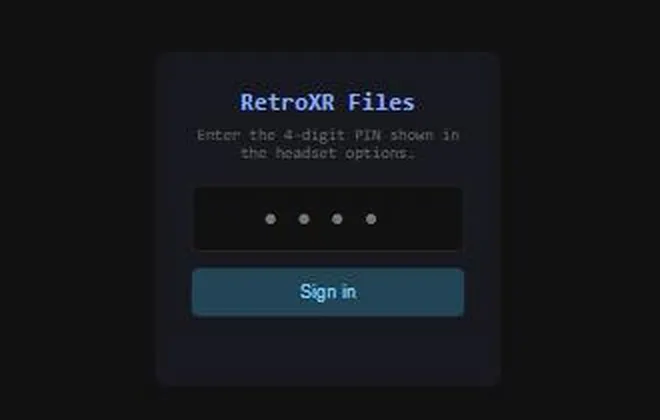
On your computer, open that address in a browser. Enter the PIN.
-
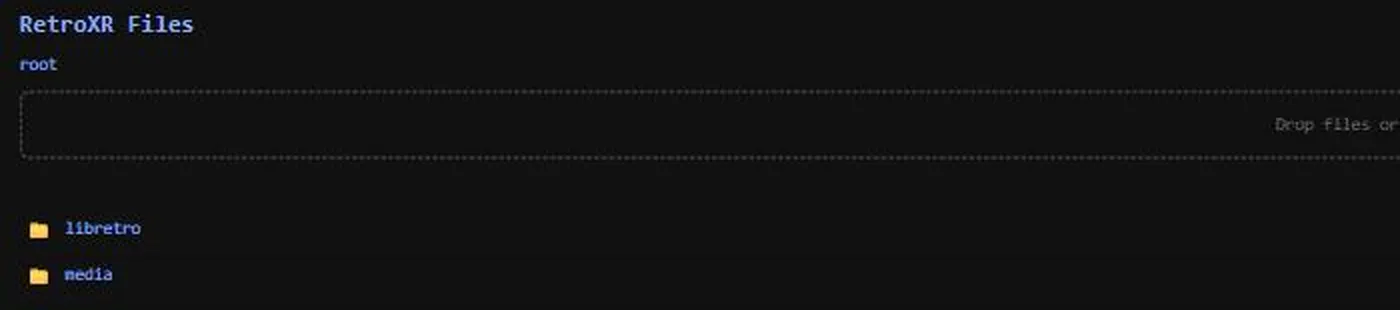
You land on a root with two folders.
-
Your games go under
media/. Open it and you getbooks,dvd,music,romsandvideos.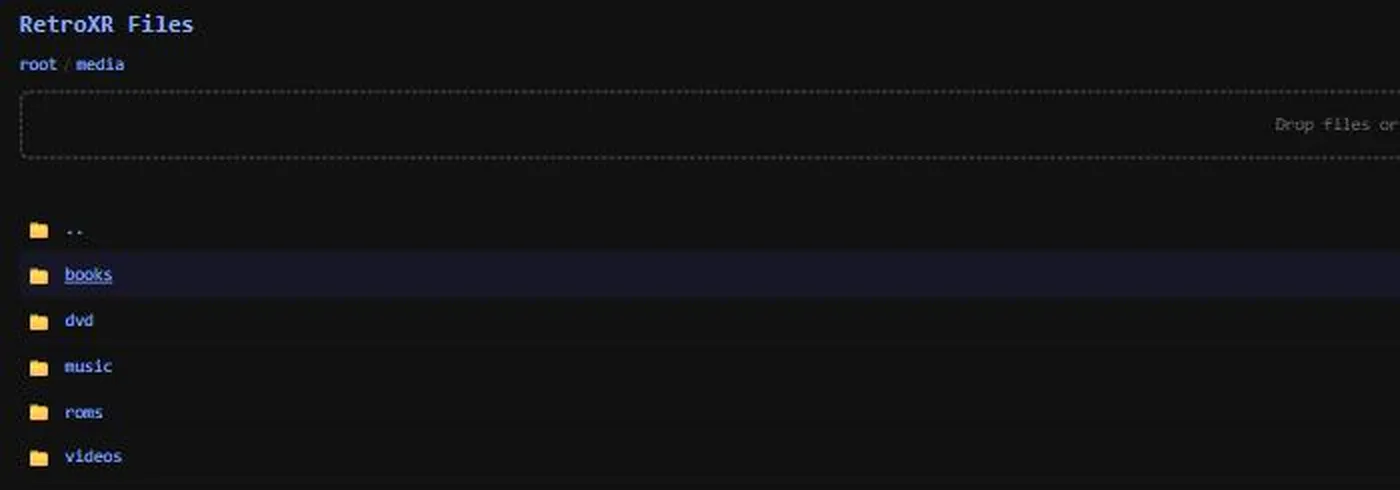
-
Drag files — or a whole folder — onto the drop zone at the top. There are also choose files and choose folder links if you would rather browse.
On Quest: over USB
Section titled “On Quest: over USB”If you already have SideQuest connected from installing, its file browser works too. The path is:
/sdcard/Android/data/com.xenu.retroxr/files/On Windows, Linux and macOS
Section titled “On Windows, Linux and macOS”Copy files straight into the folder with your normal file manager.
The web file manager is a Quest-only feature — it does not run on desktop, and there is no toggle for it there. On a PC you have a file manager already.
Box art and manuals
Section titled “Box art and manuals”Once a game is in place, RetroXR can fetch its box art, screenshots and scanned manual from ScreenScraper. Scraped manuals become books you can pull off the shelf and read while the game is running.
See box art and manuals.
Or skip all of this with RomM
Section titled “Or skip all of this with RomM” RomM
RomMIf you already run a RomM server, you do not have to copy anything by hand. RetroXR connects to it directly, browses your whole collection from inside the headset, downloads only what you want to play, and syncs your saves back.
Pairing is a QR code you scan with the headset’s camera — see connecting RomM.